Every part of Lathe
51 screenshots of the app as it ships in 0.14 — from a sketch on a face to a building on its site, a wired panel and a routed board. Every picture is the real app.
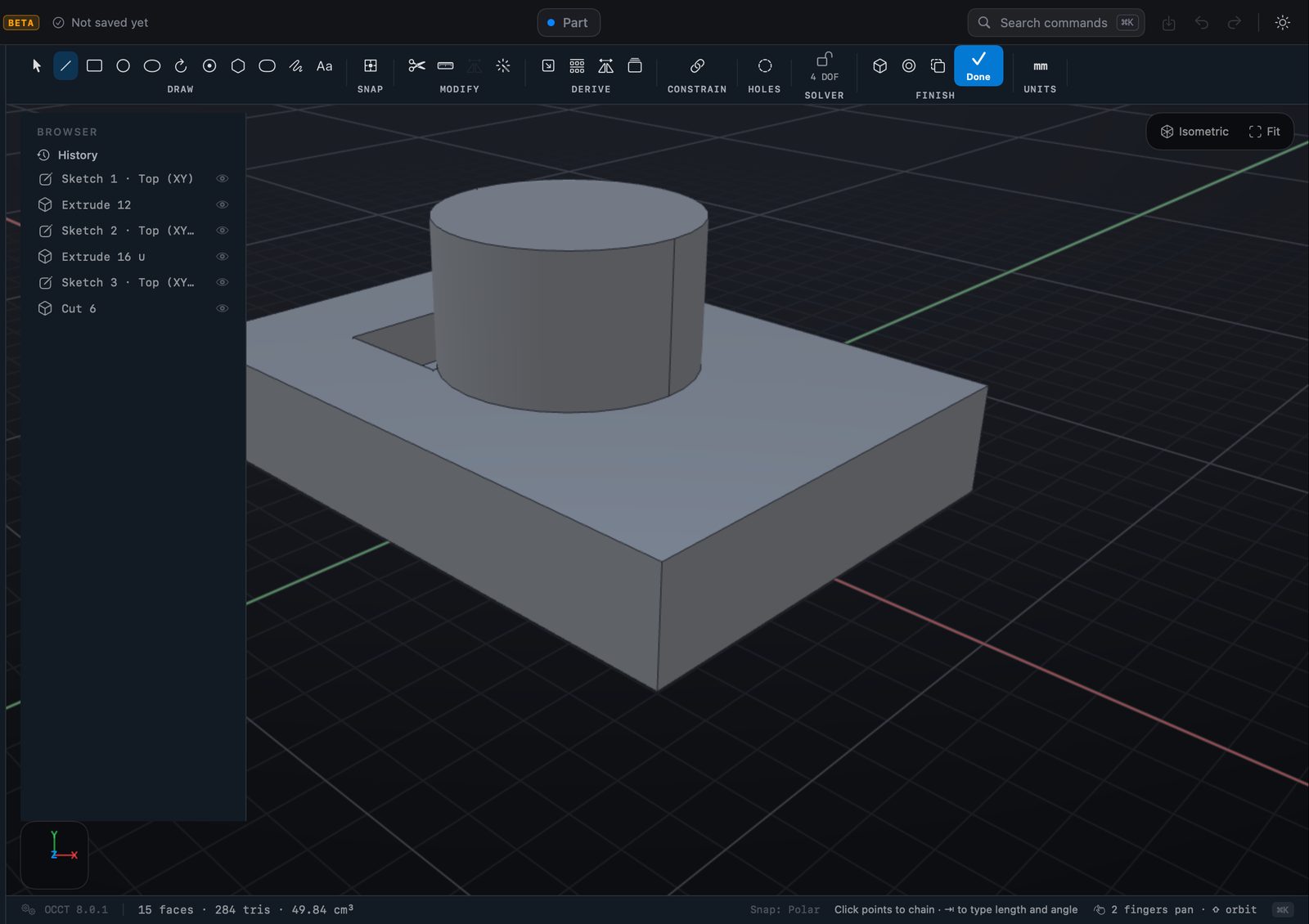
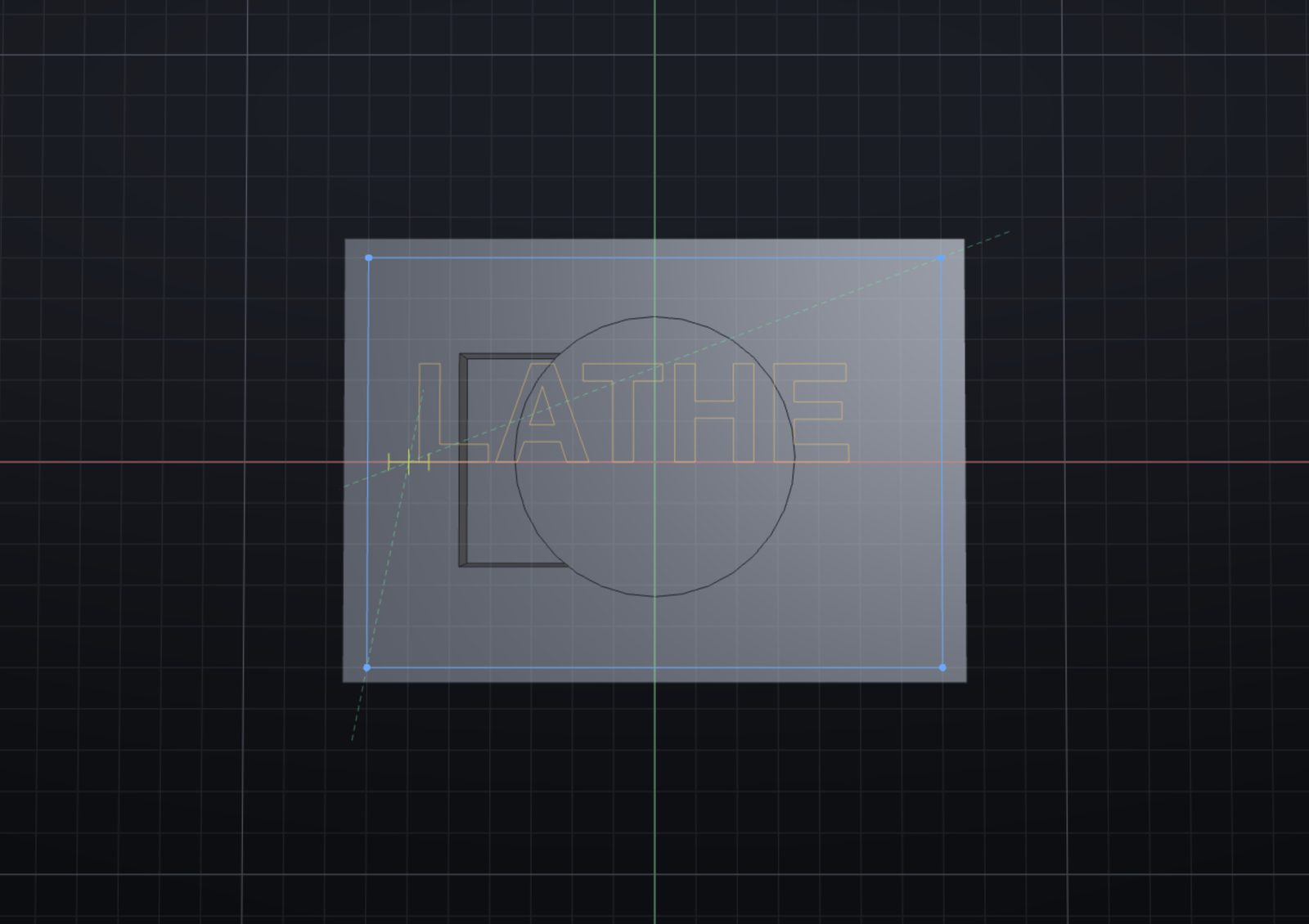
Every part starts as a sketch.
Lines, arcs, circles and text on any face or plane, with the lengths and angles shown as you draw and constraints that hold them.
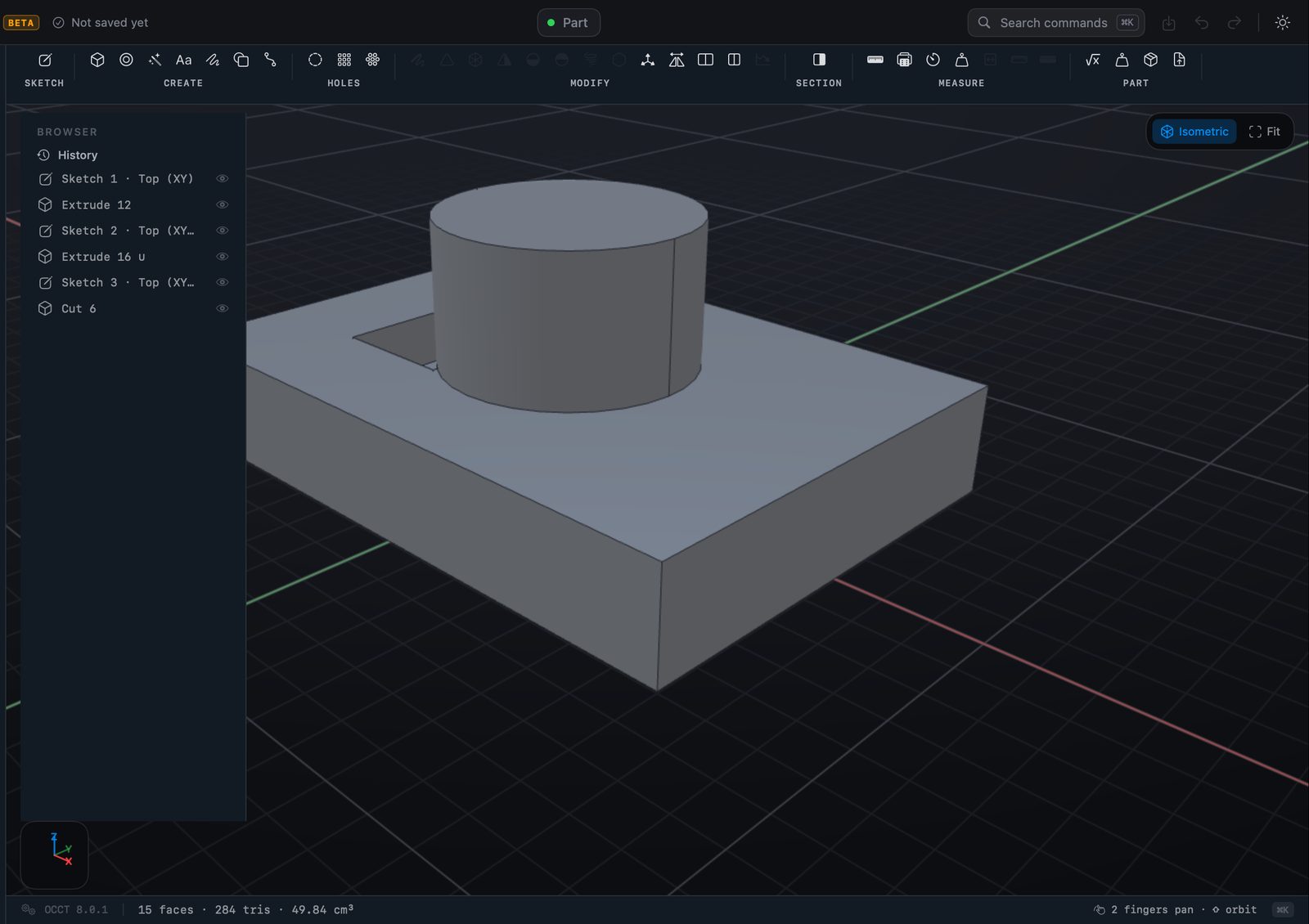
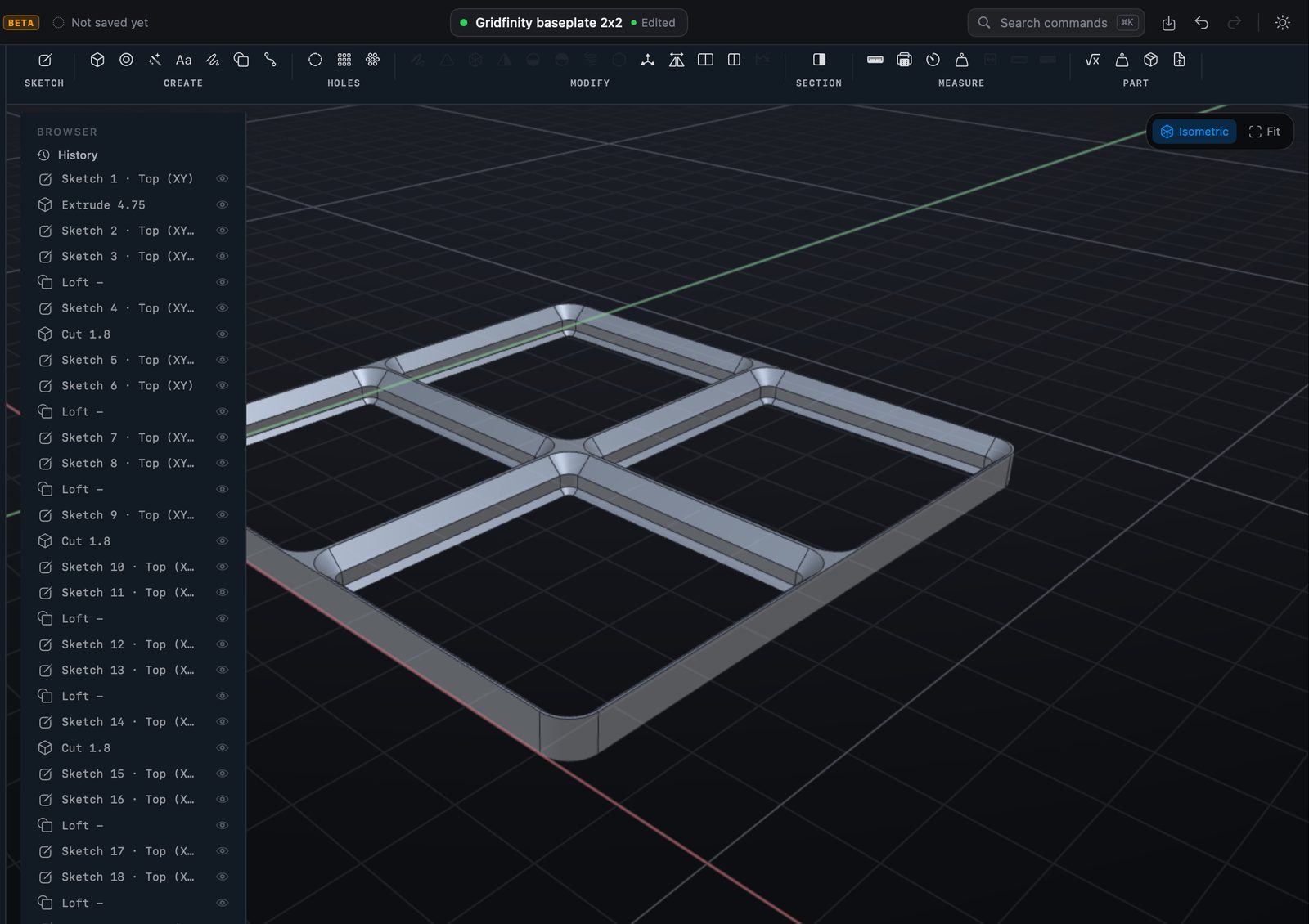
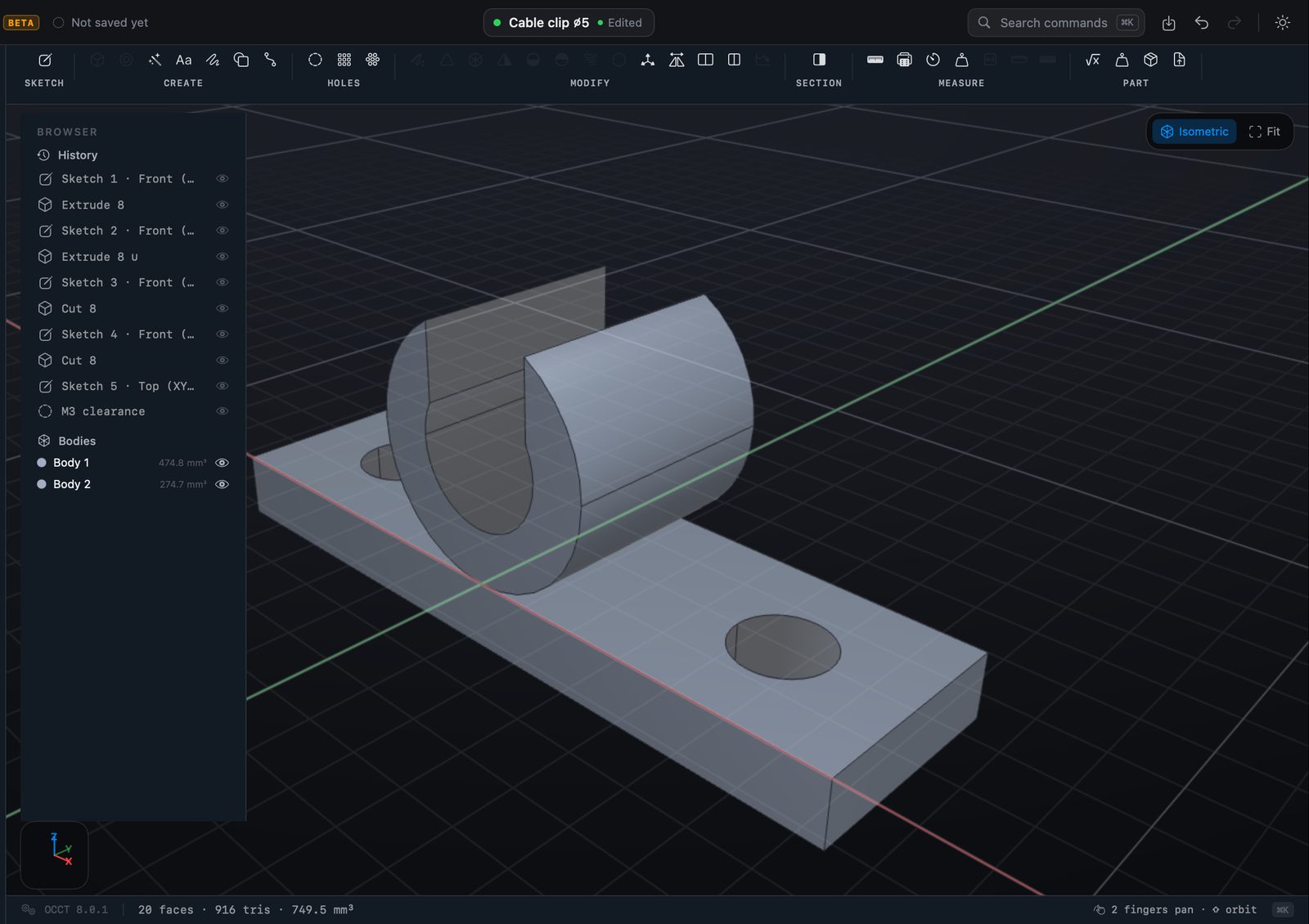
The part is its history.
Every step stays in the browser and stays editable — change a sketch from last week and everything after it rebuilds.
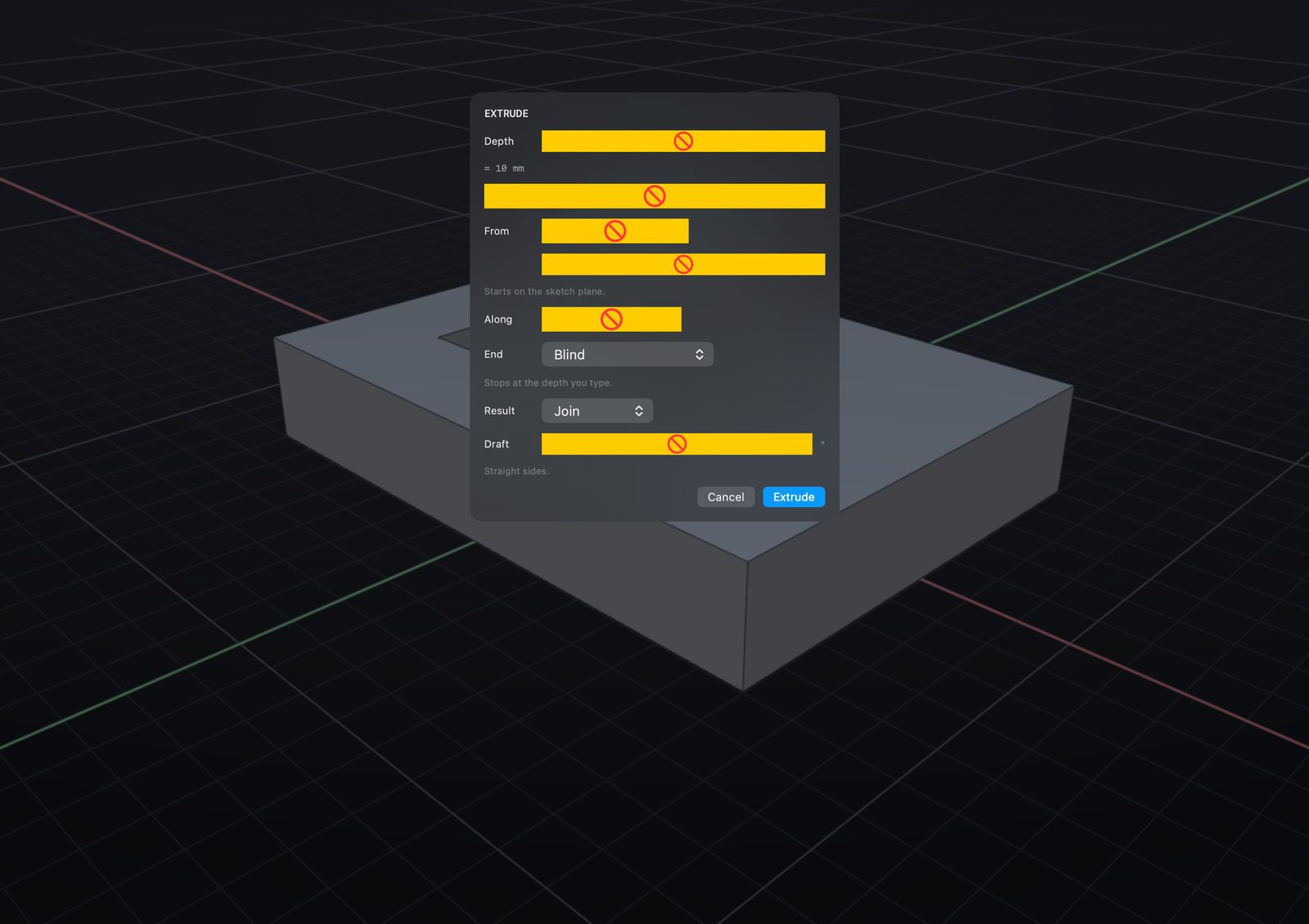
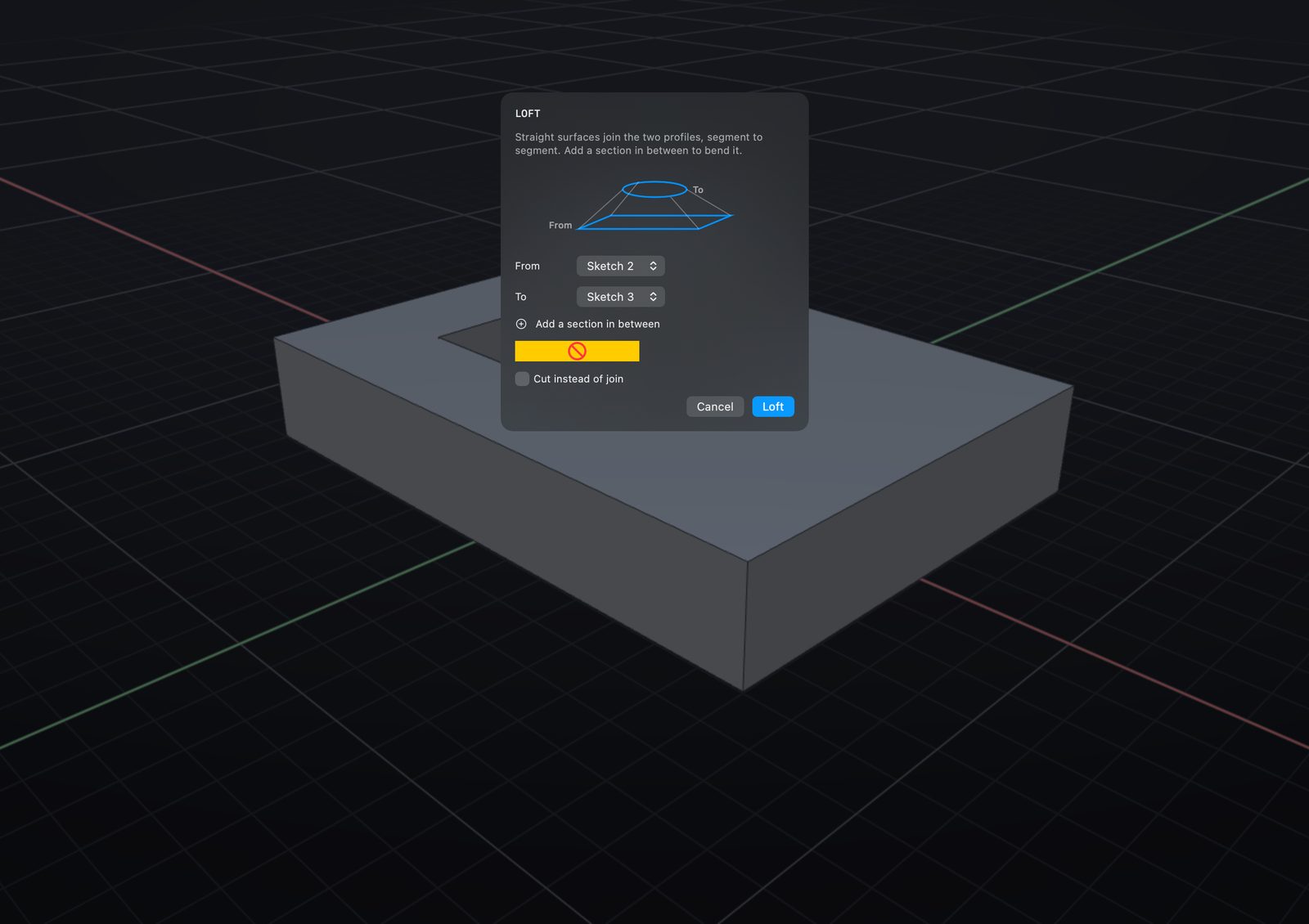
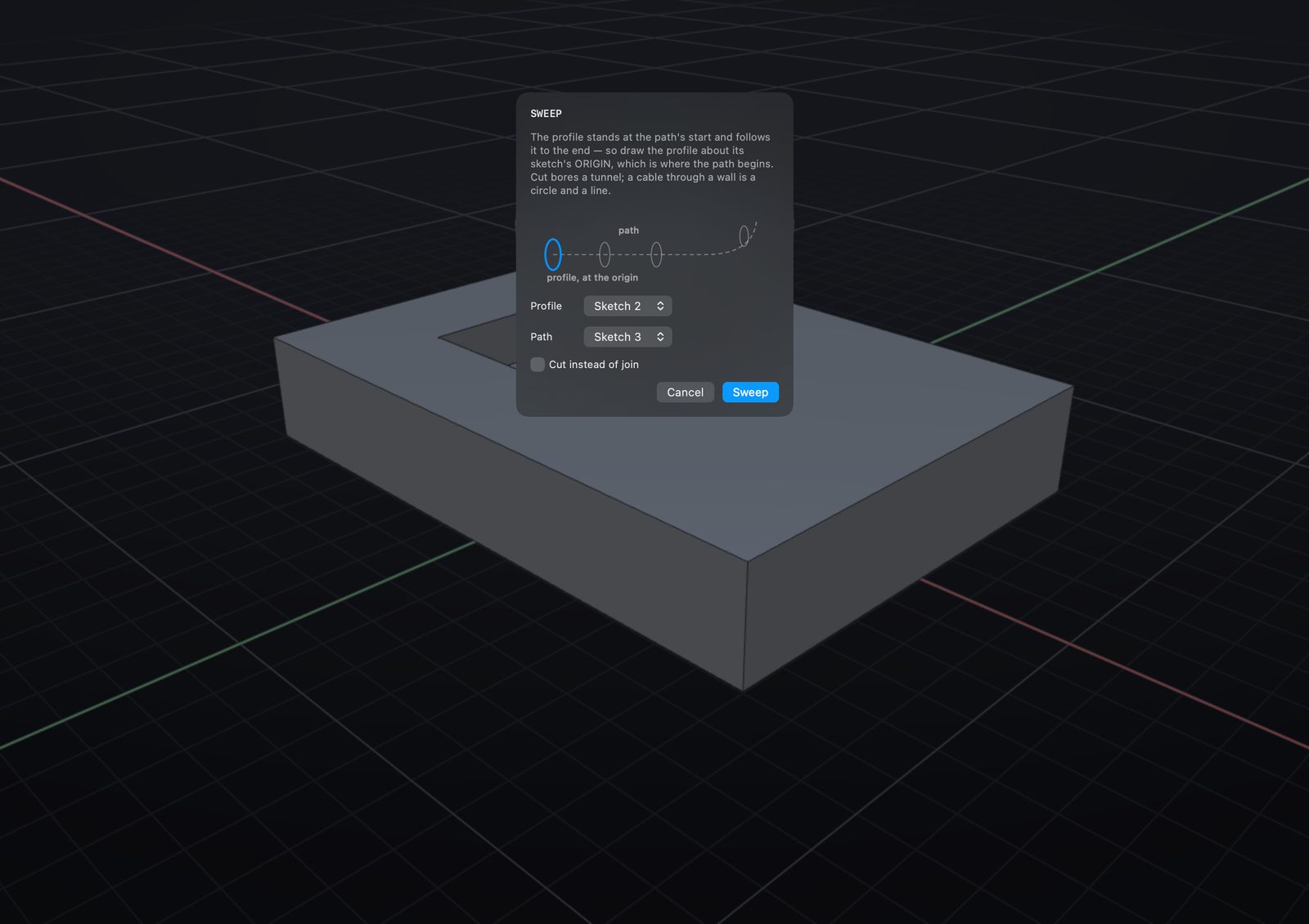
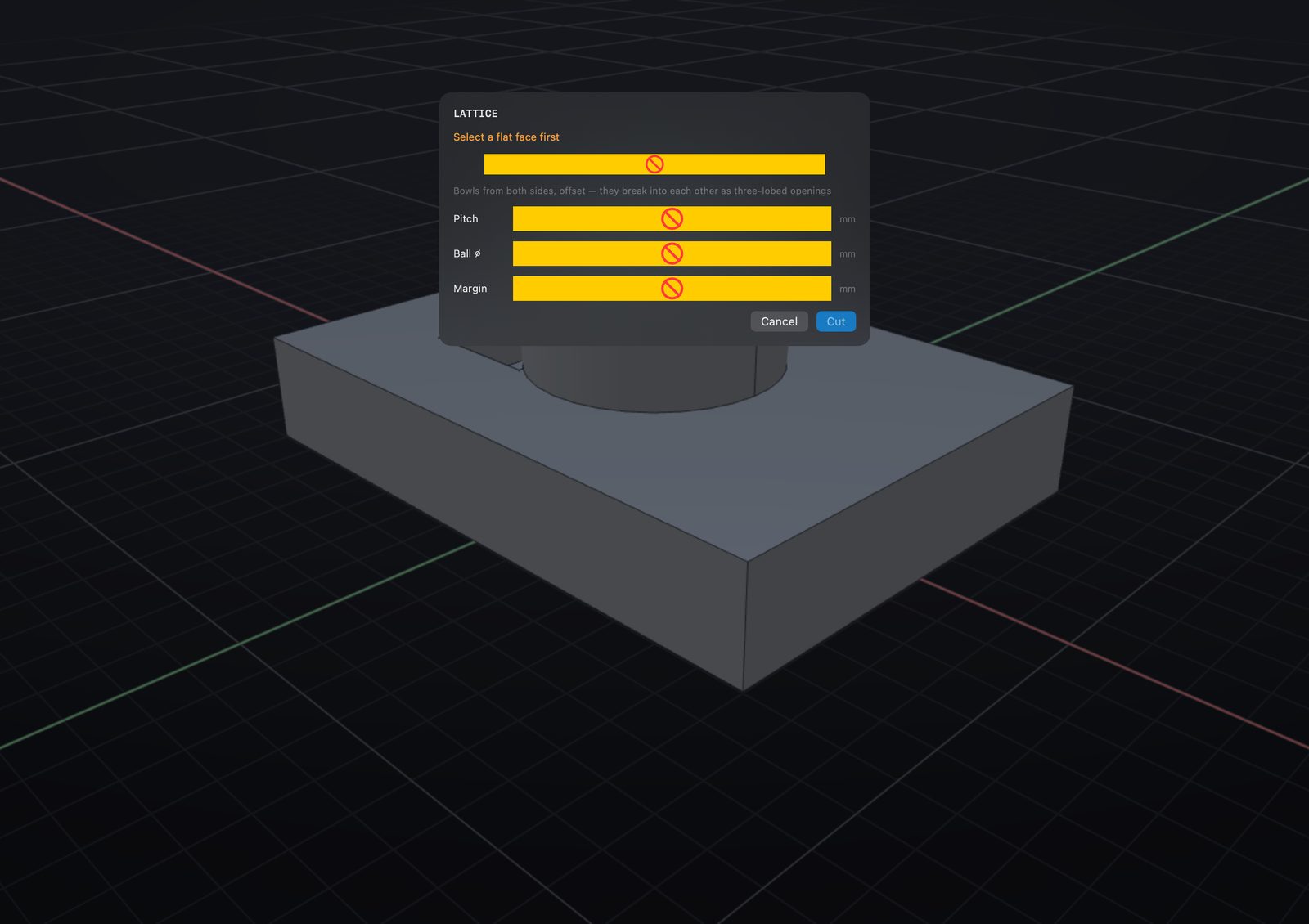
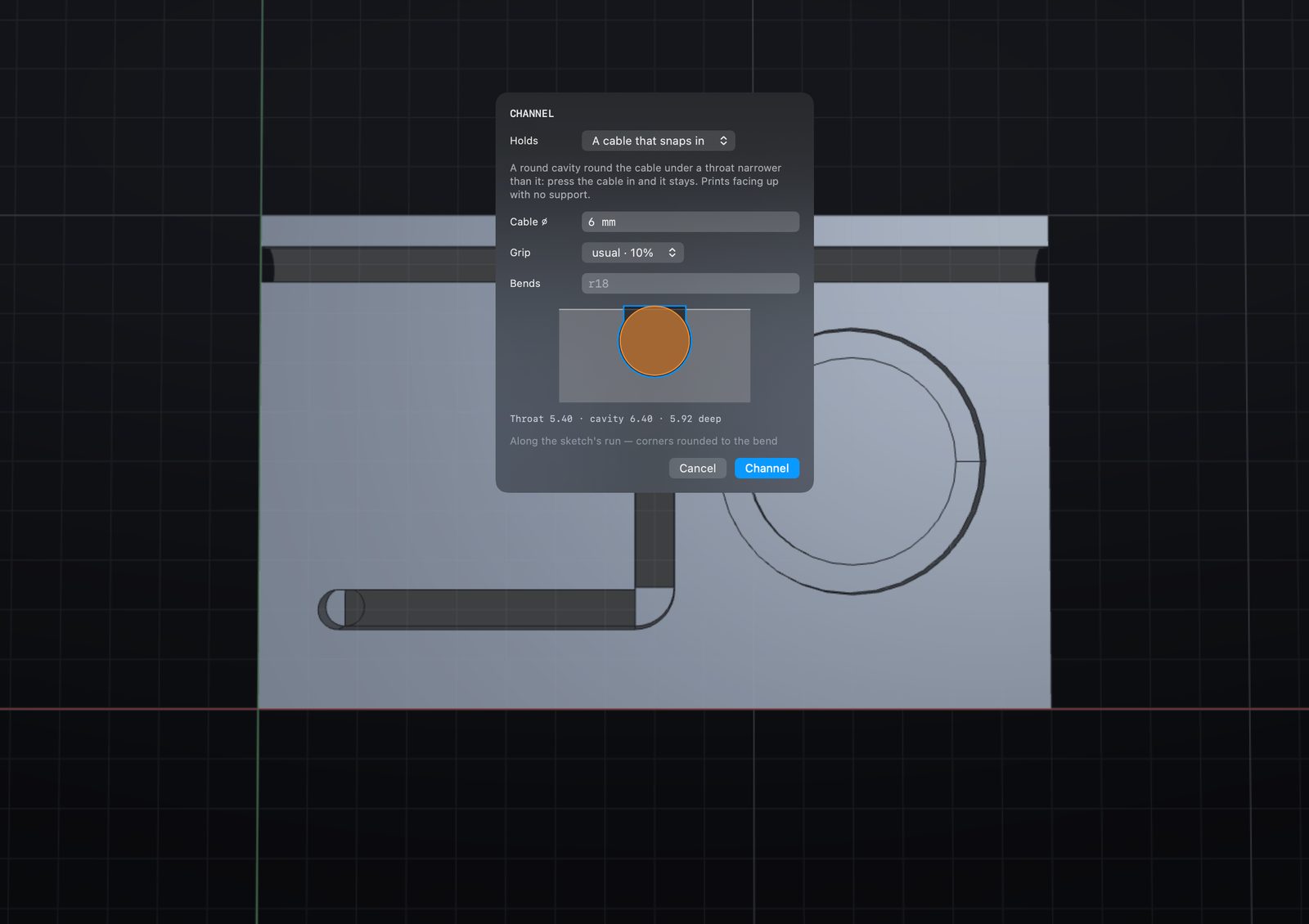
Beyond extrude.
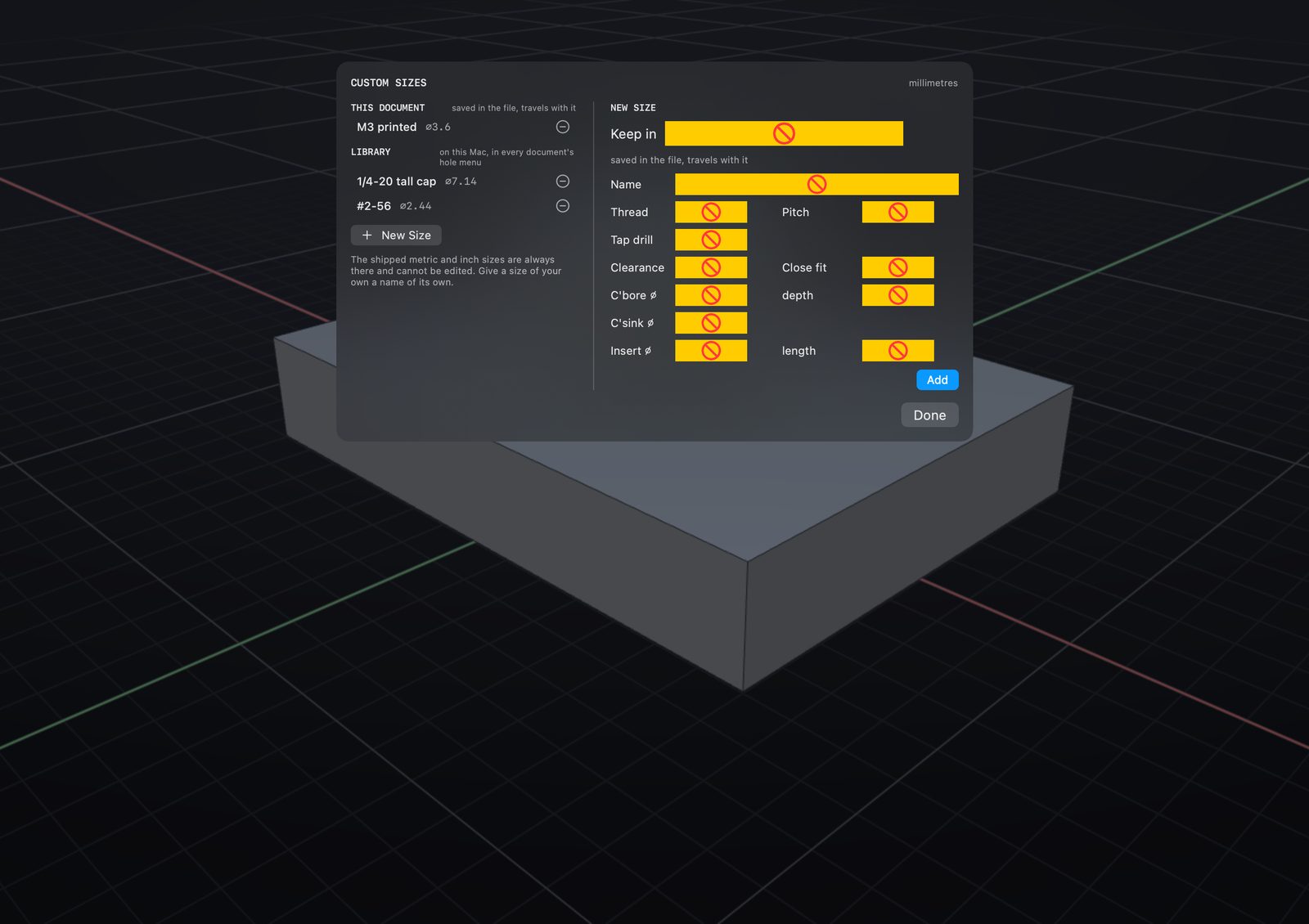
Lattice, channels, hinges, and holes sized from a fastener table rather than a number you looked up.
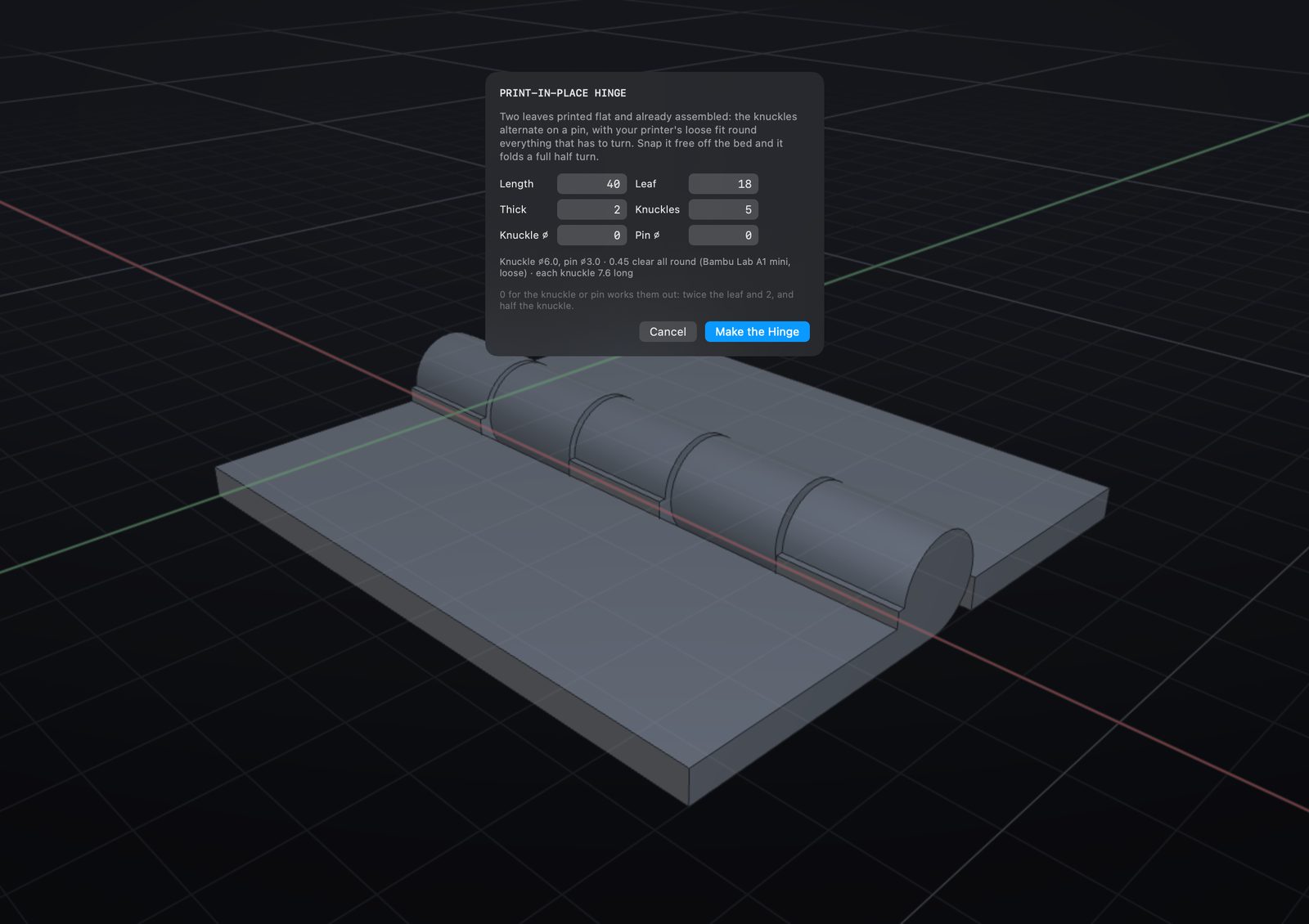
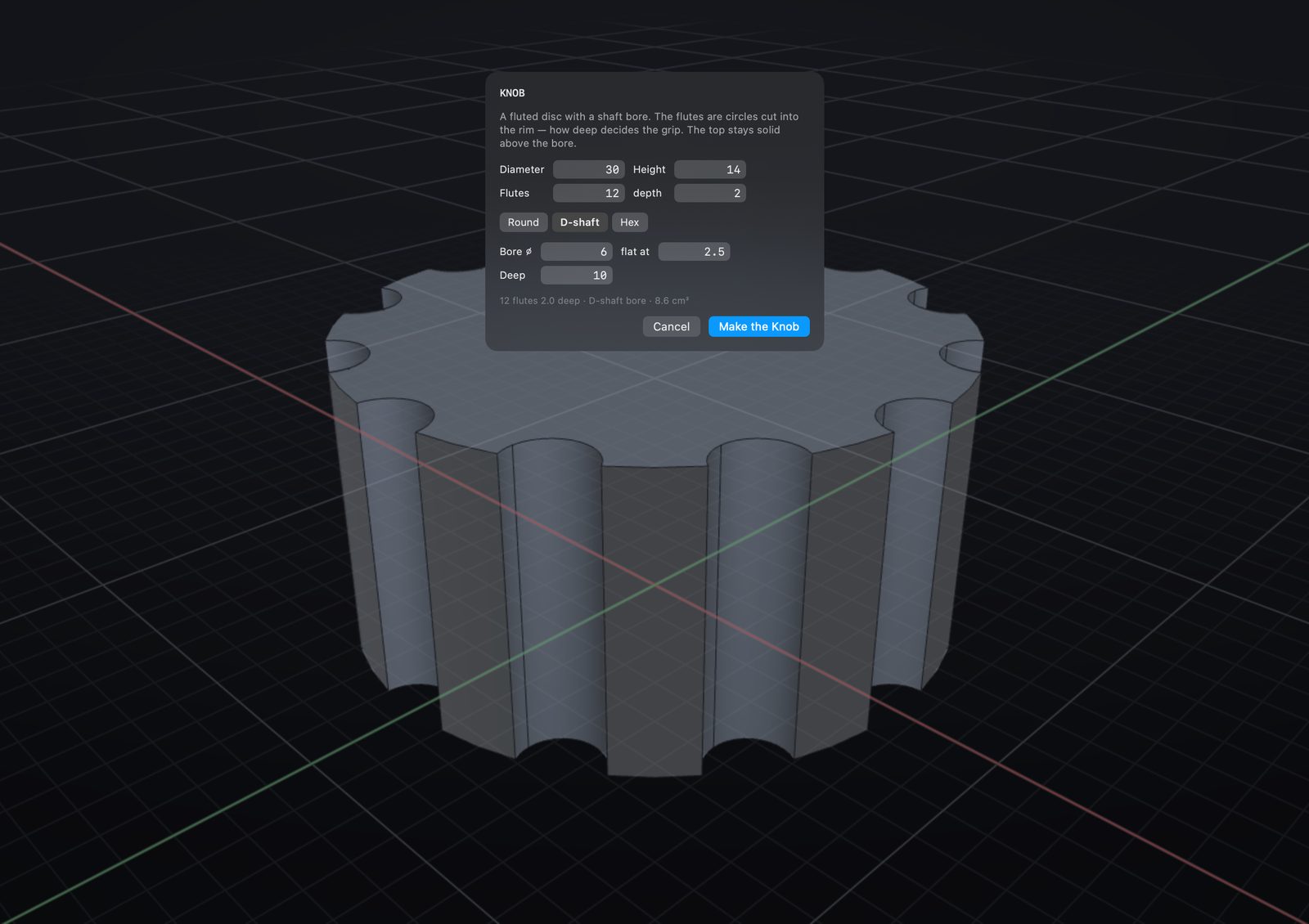
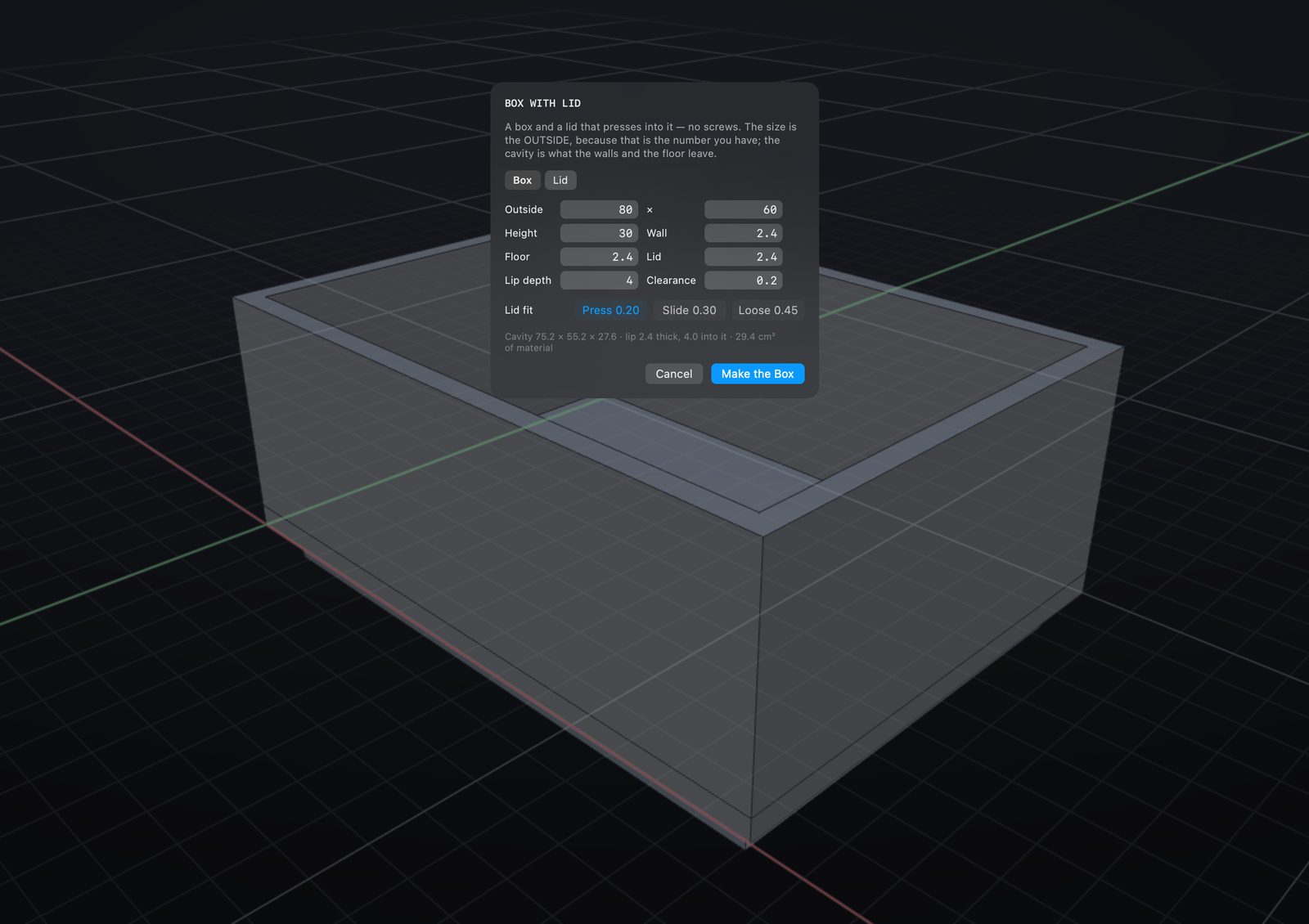
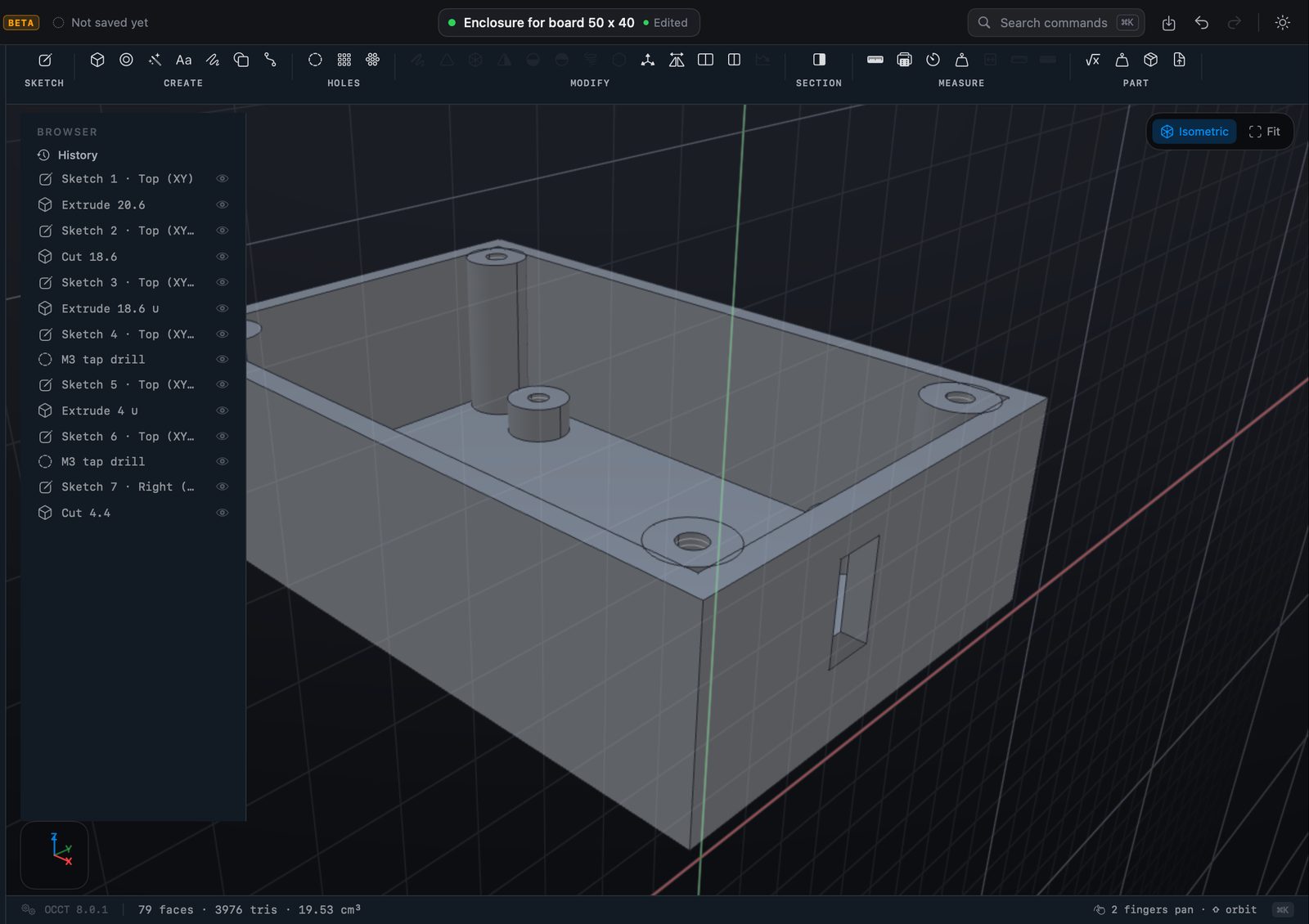
Parts from a few numbers.
Common parts you would otherwise model from scratch, each one a normal editable part once it is made.
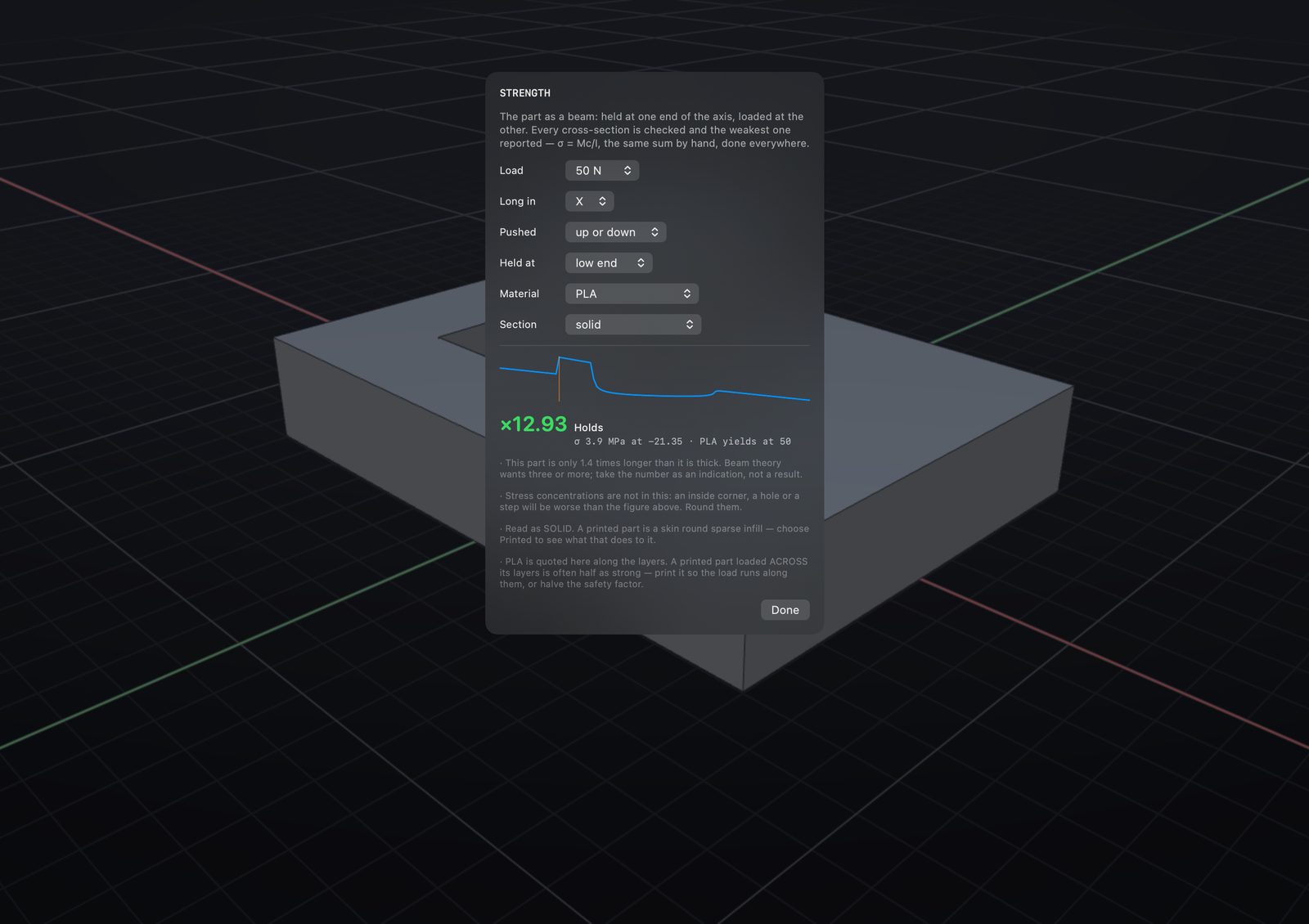
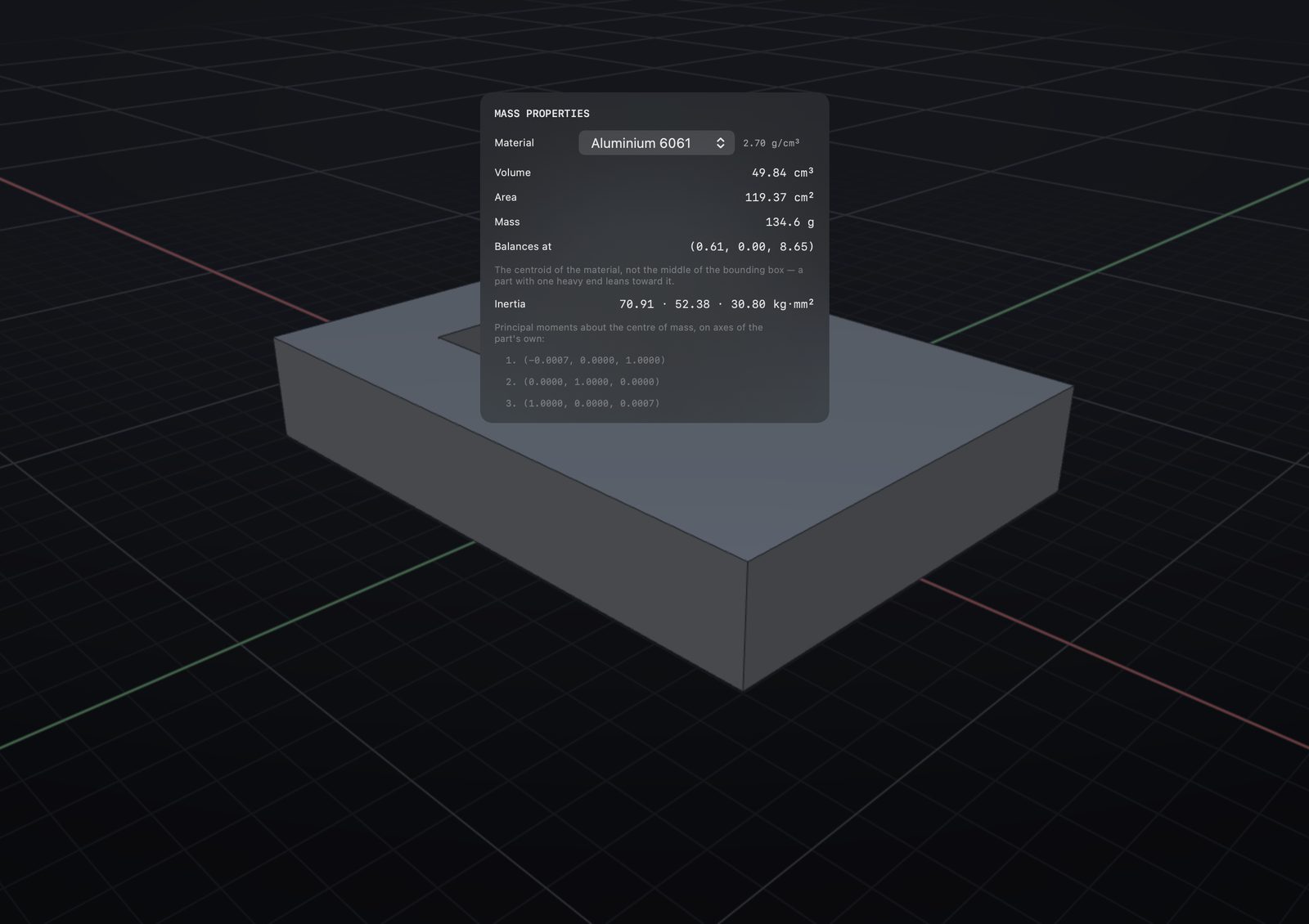
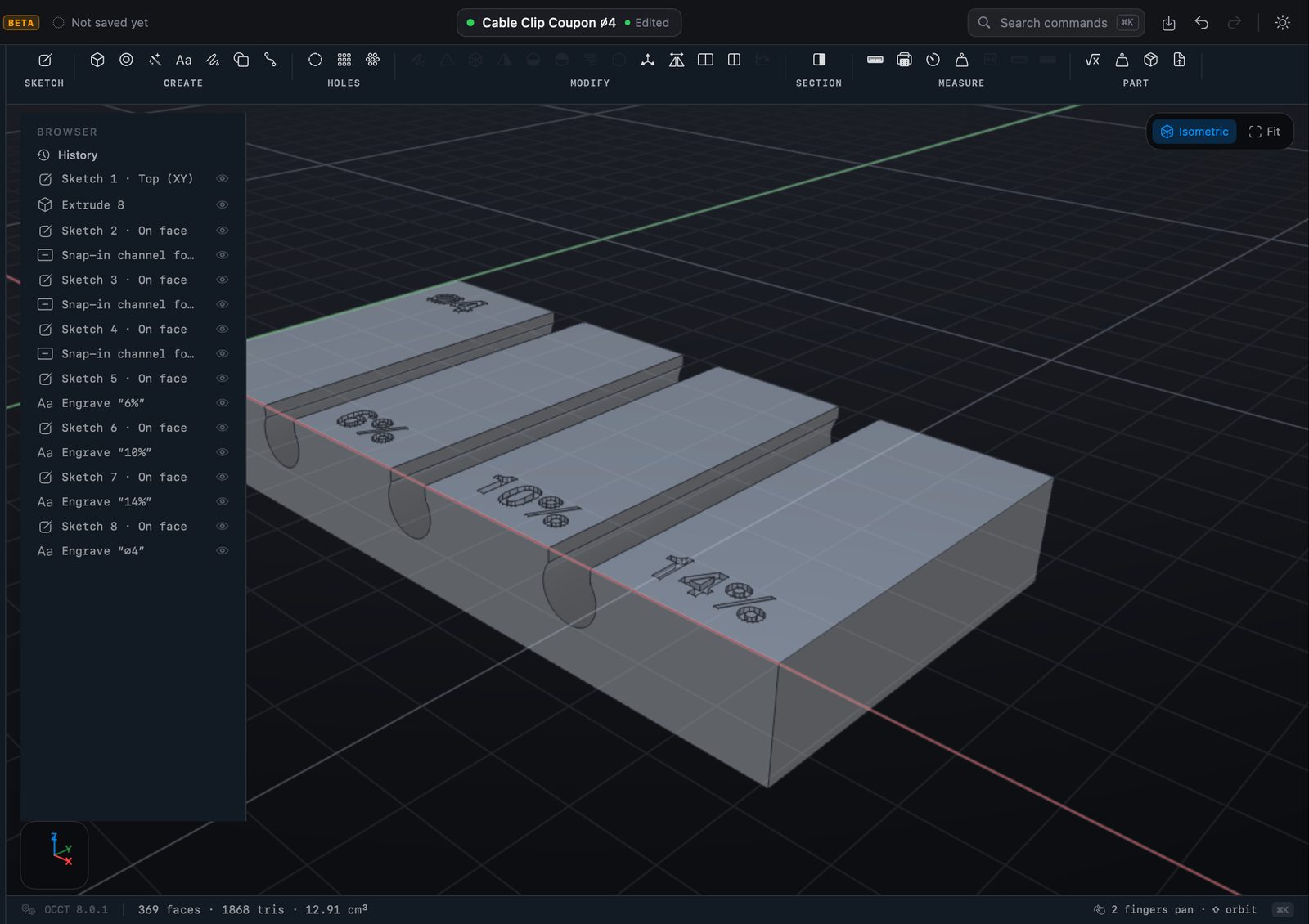
Will it hold, will it print.
The part checks itself before it goes anywhere: its mass from the material, how it bends under a load, and a coupon to print before you trust a fit.
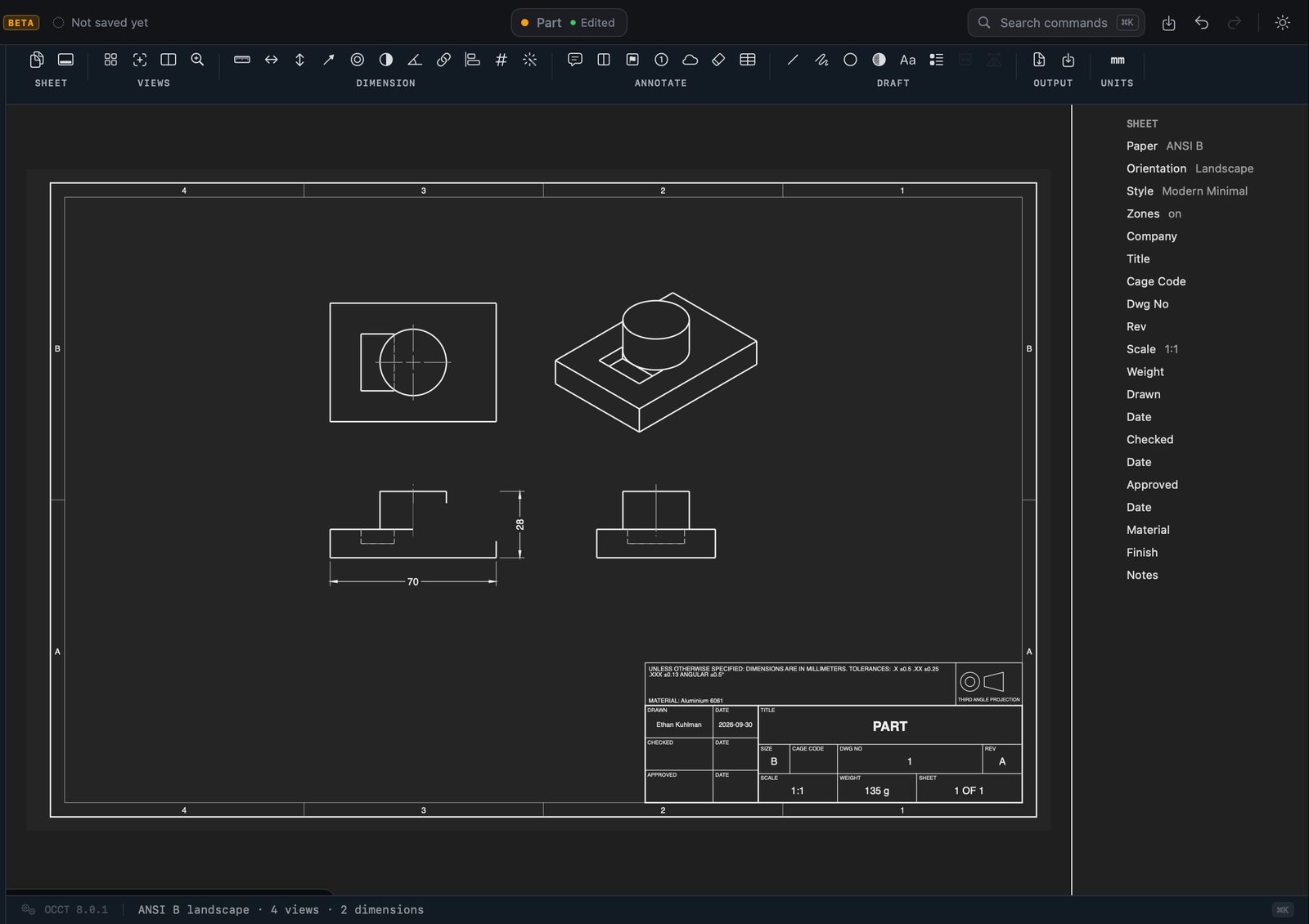
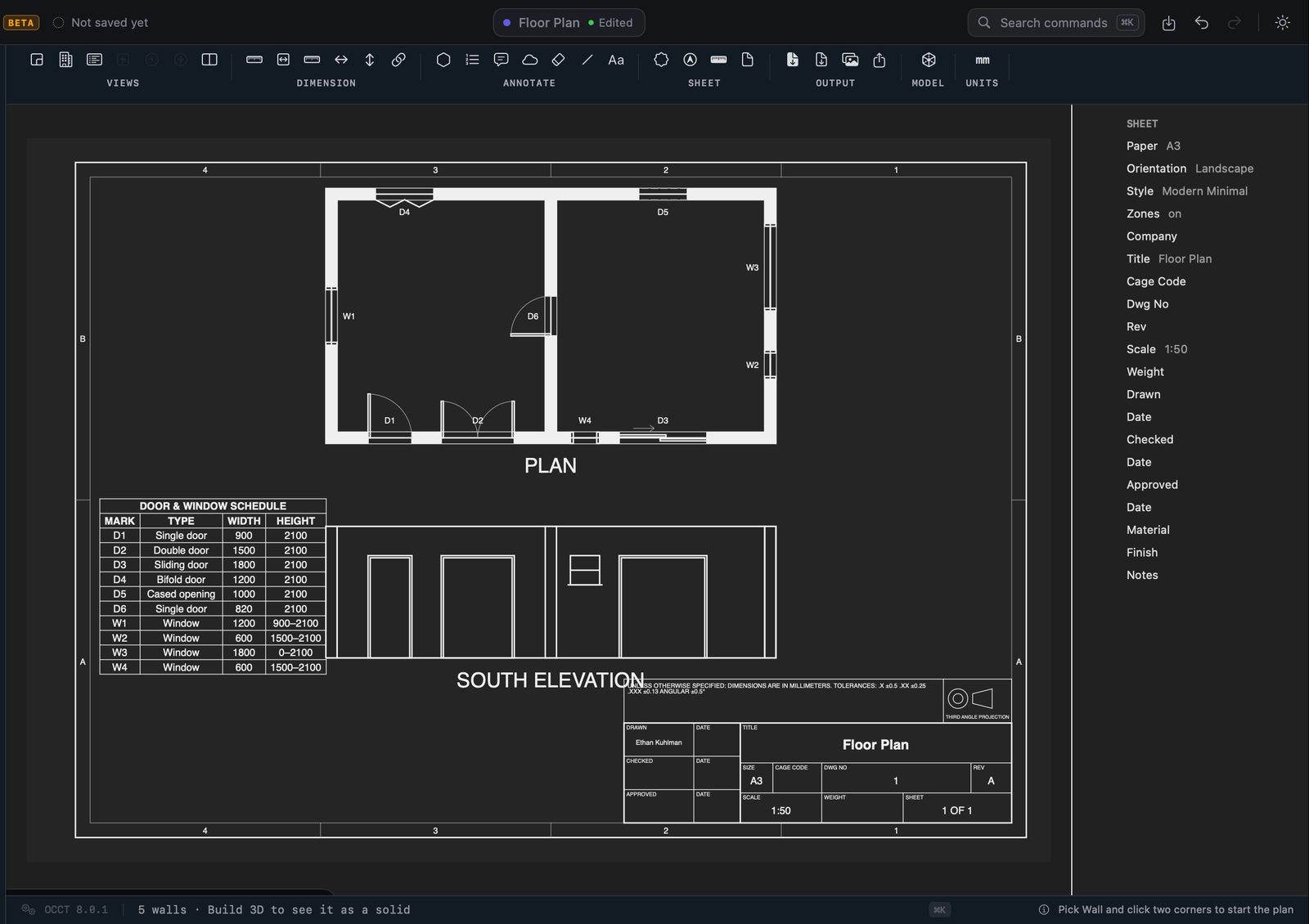
Drawings for the shop.
Views, sections, dimensions, GD&T, hole charts and parts lists, with a title block that knows the material. Out as PDF or DXF.
From the part to the machine.
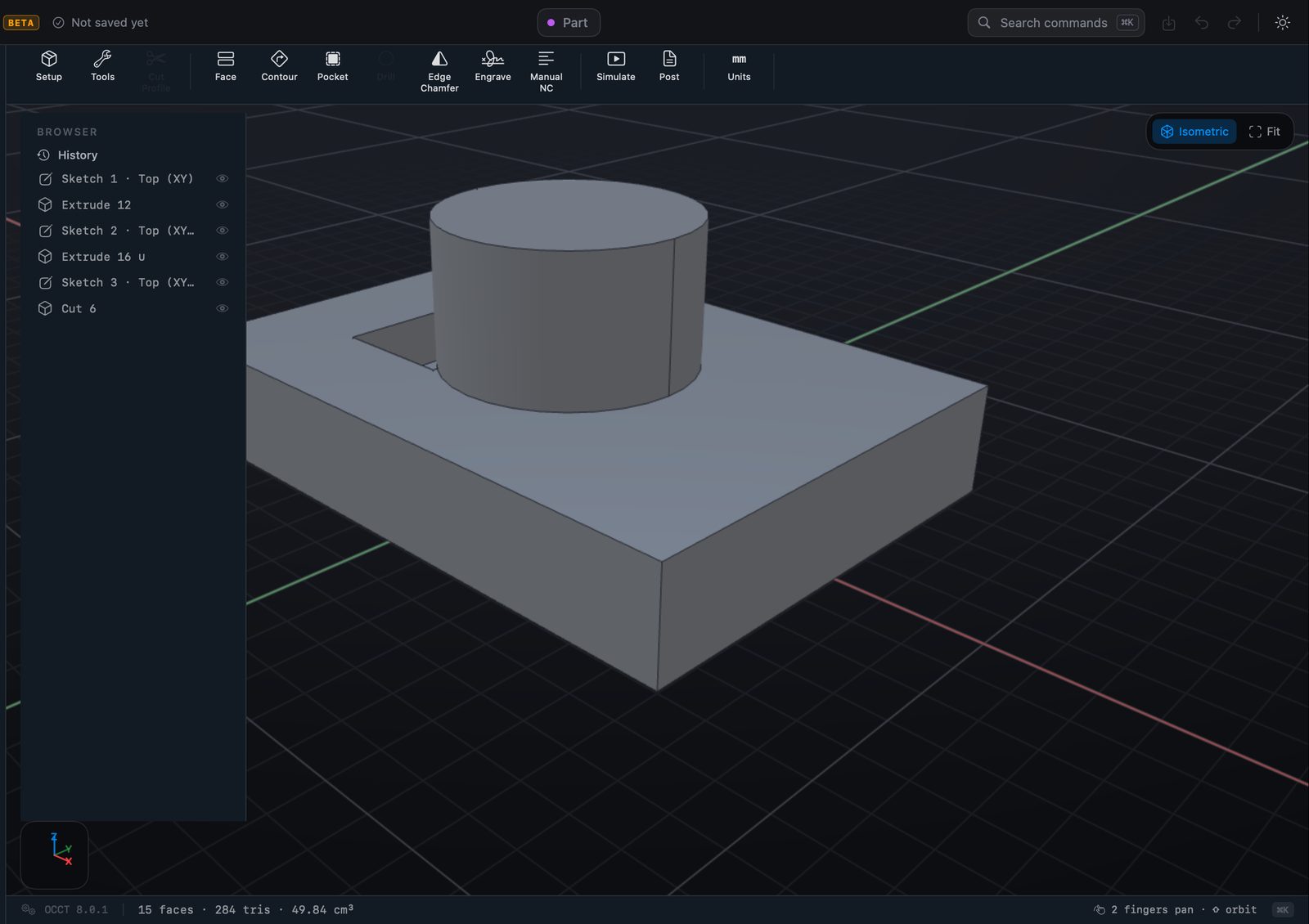
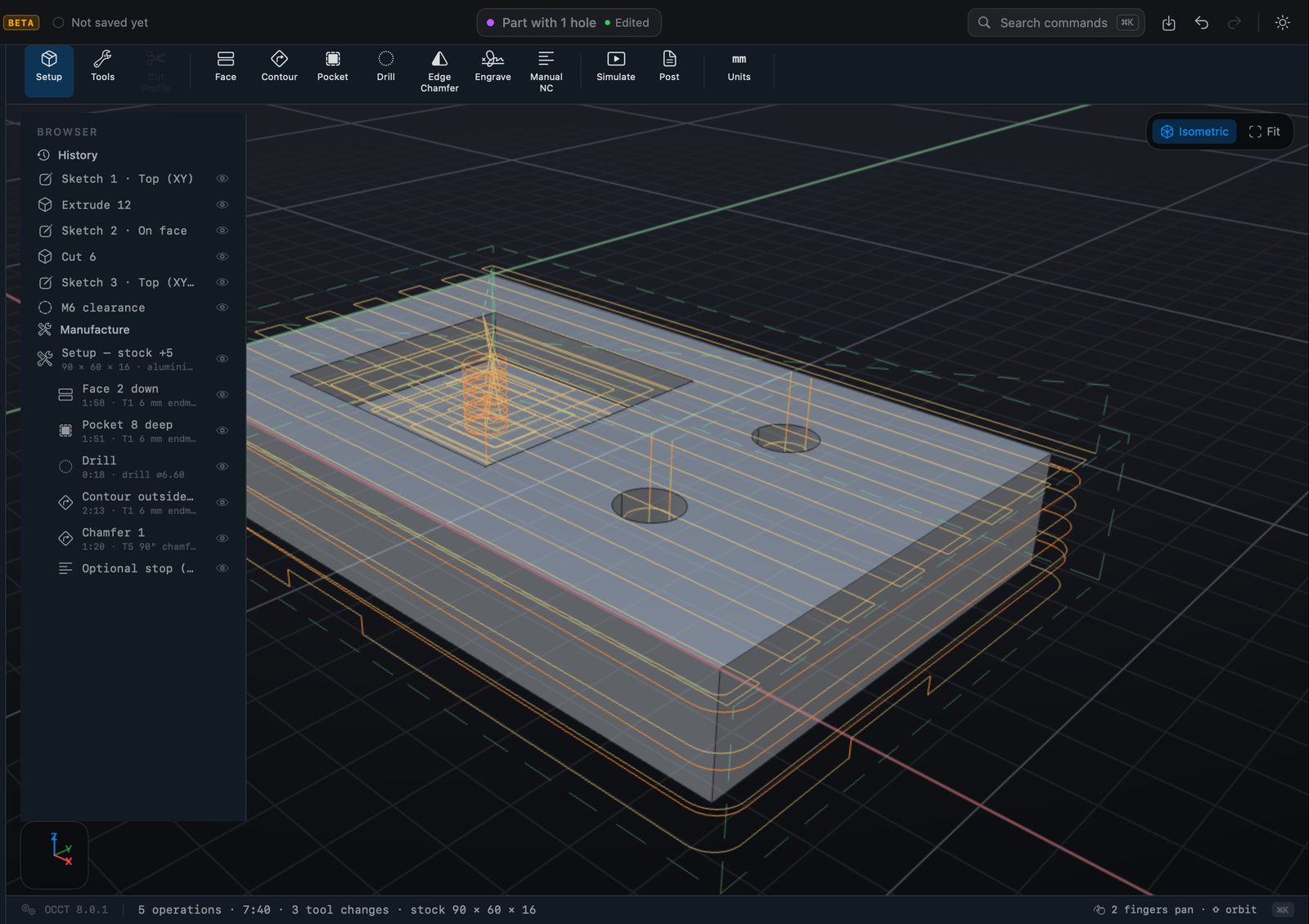
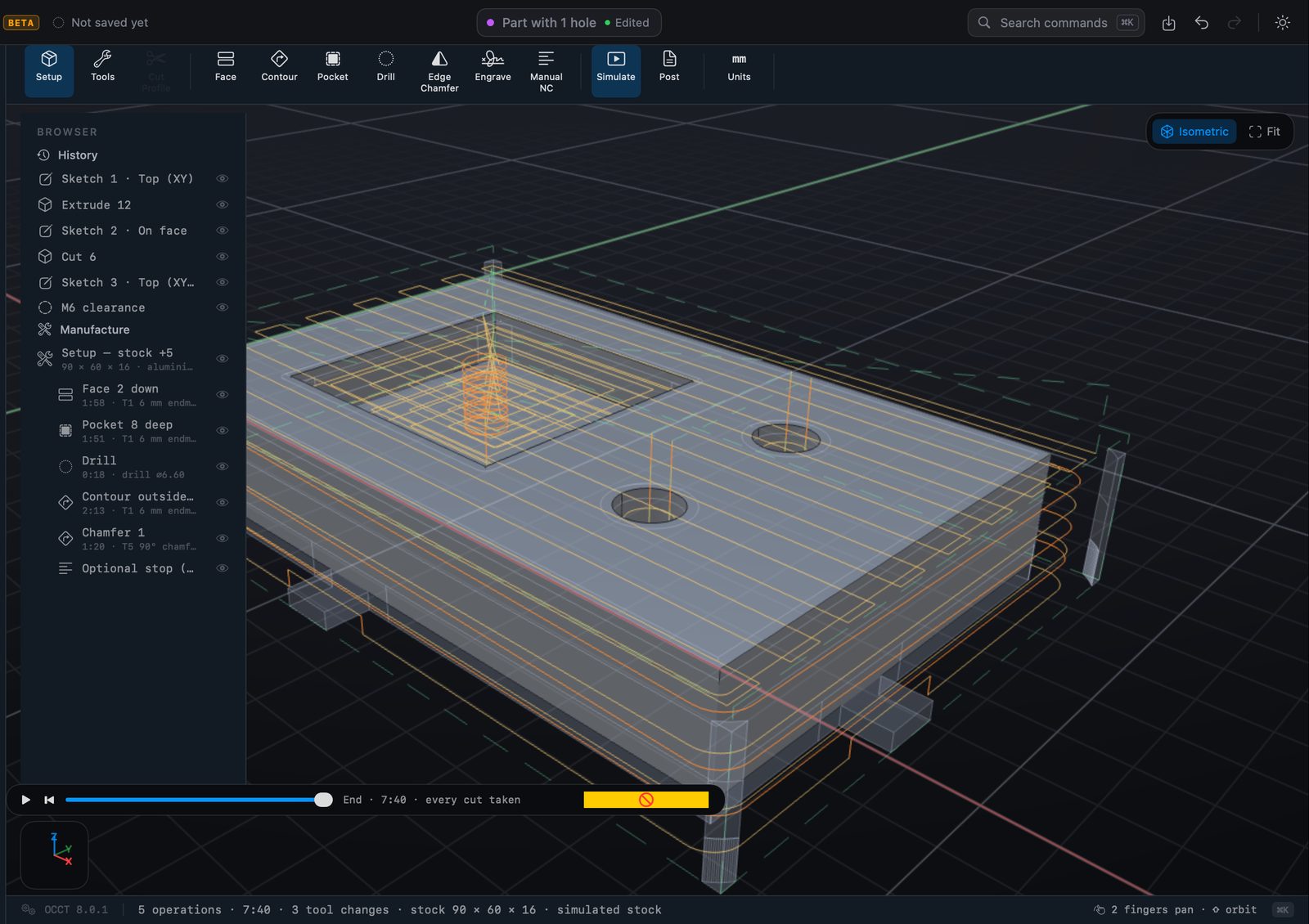
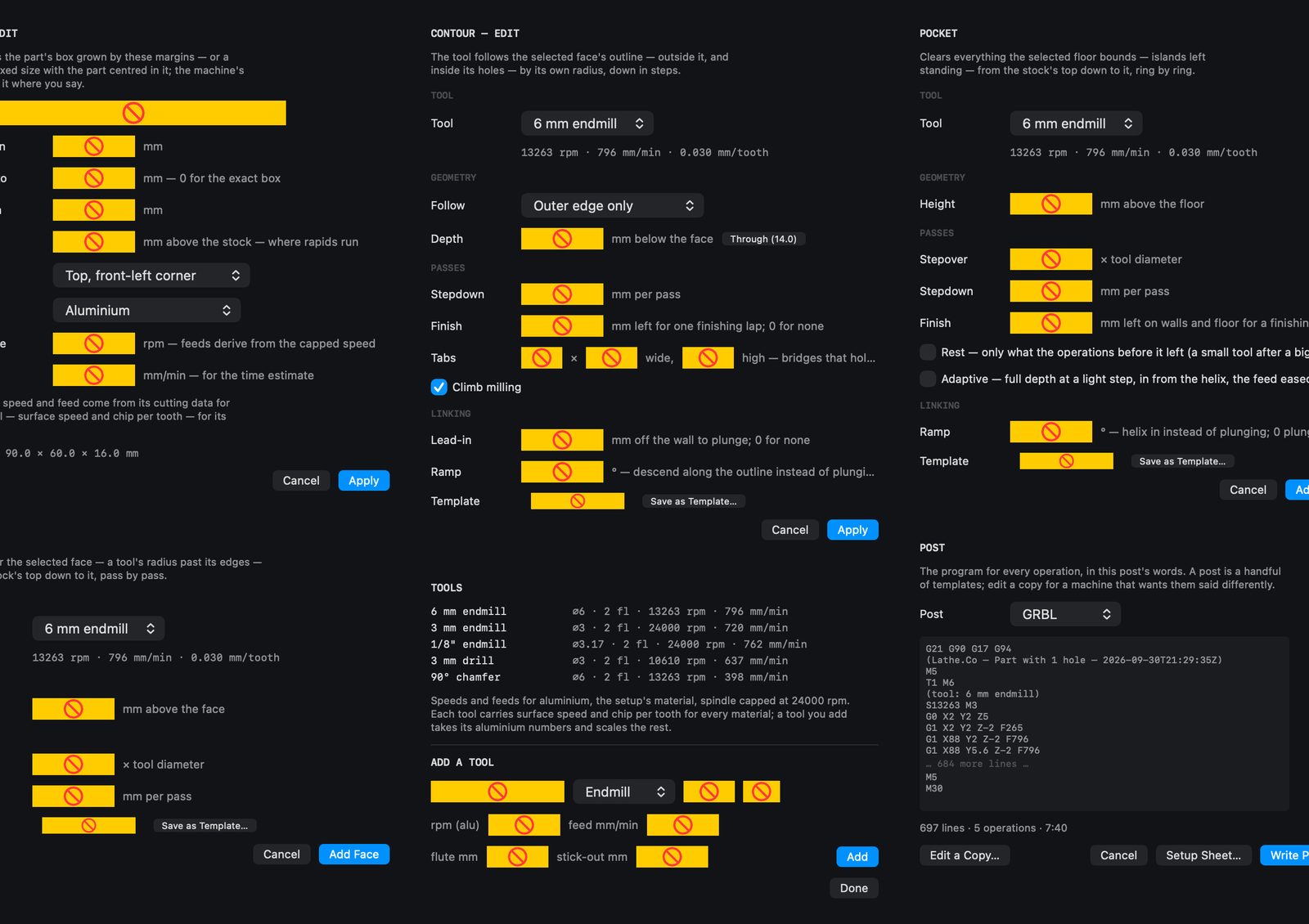
CNC toolpaths on the part itself — stock, tools and operations — simulated before the cutter touches anything.
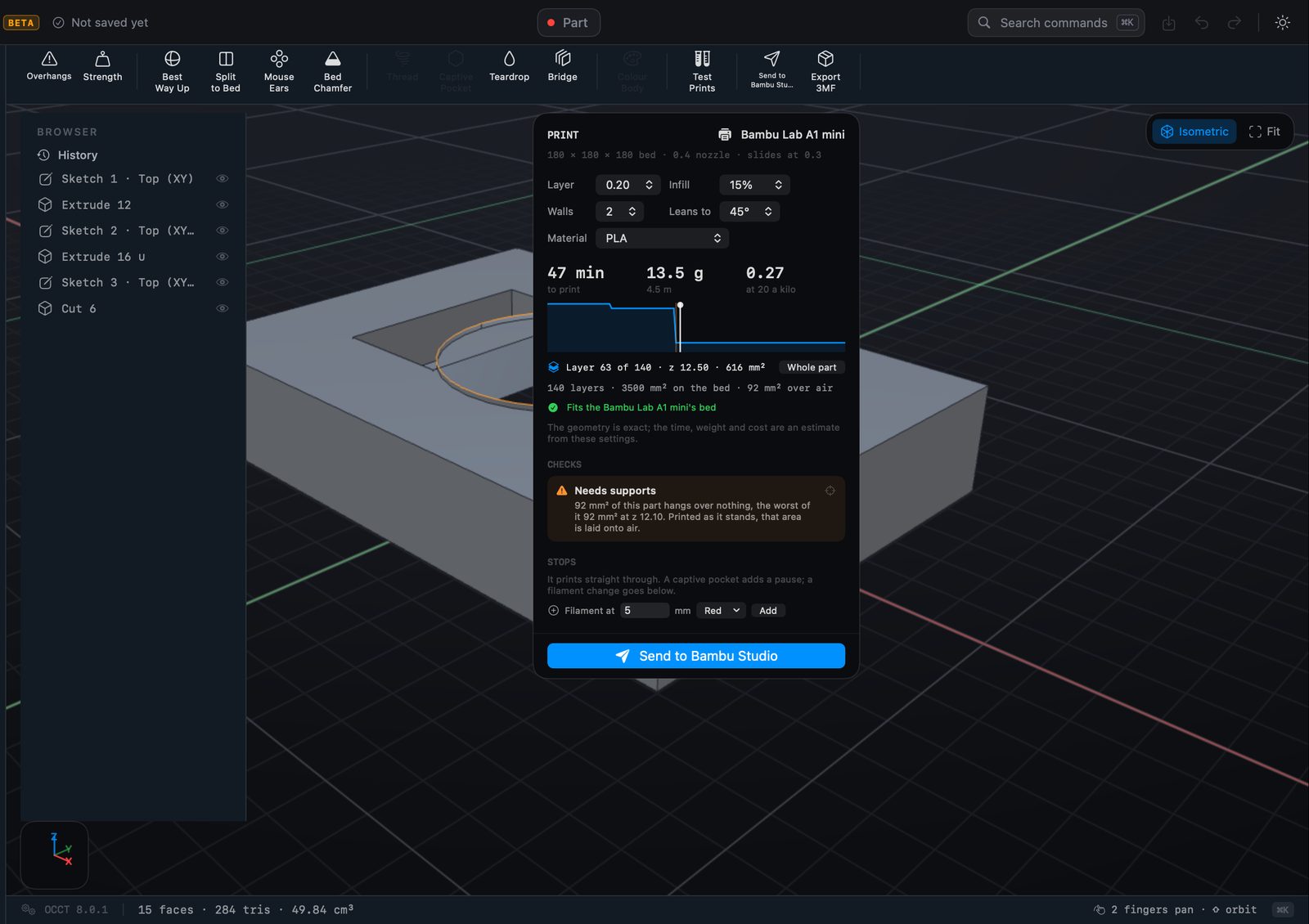
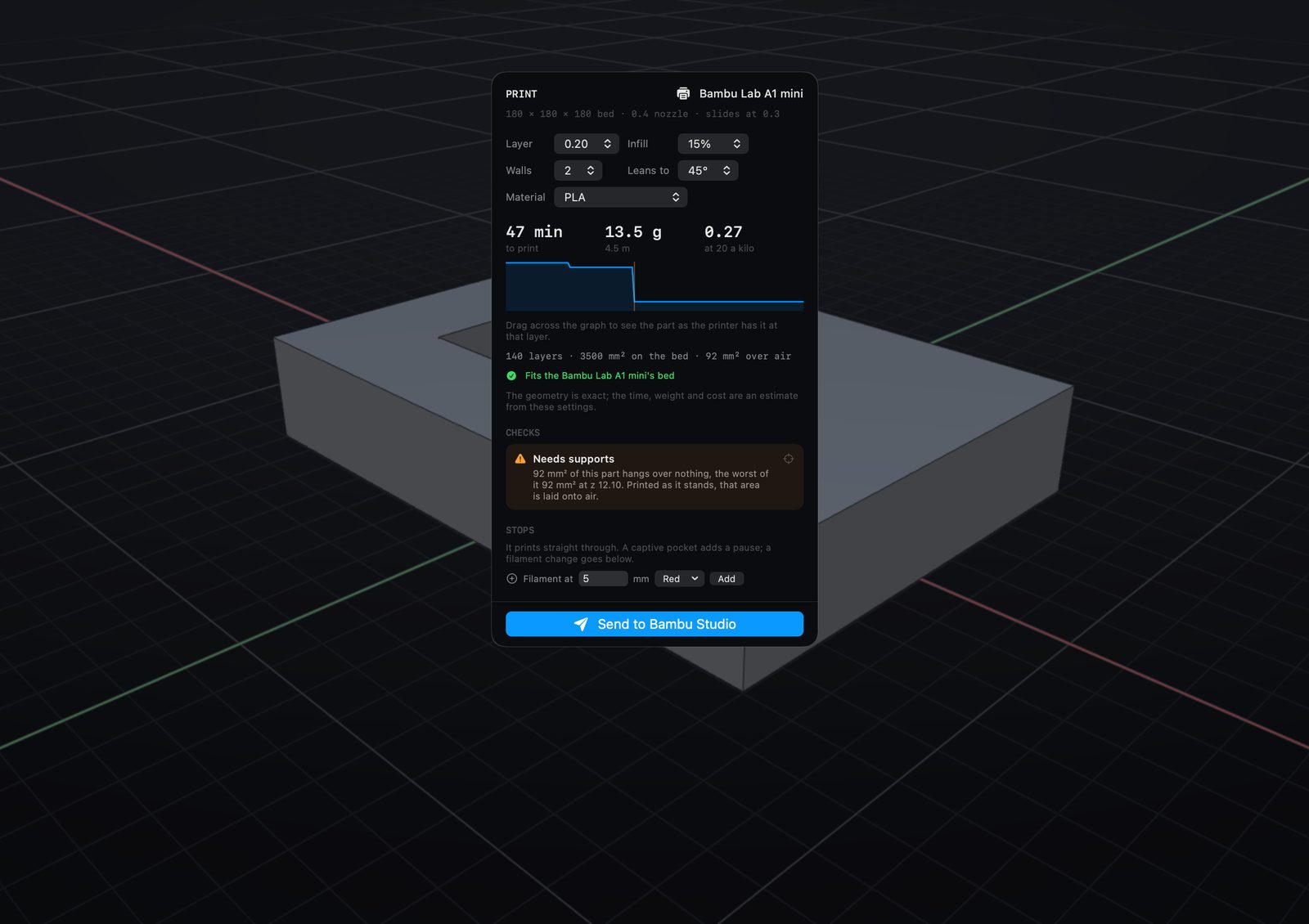
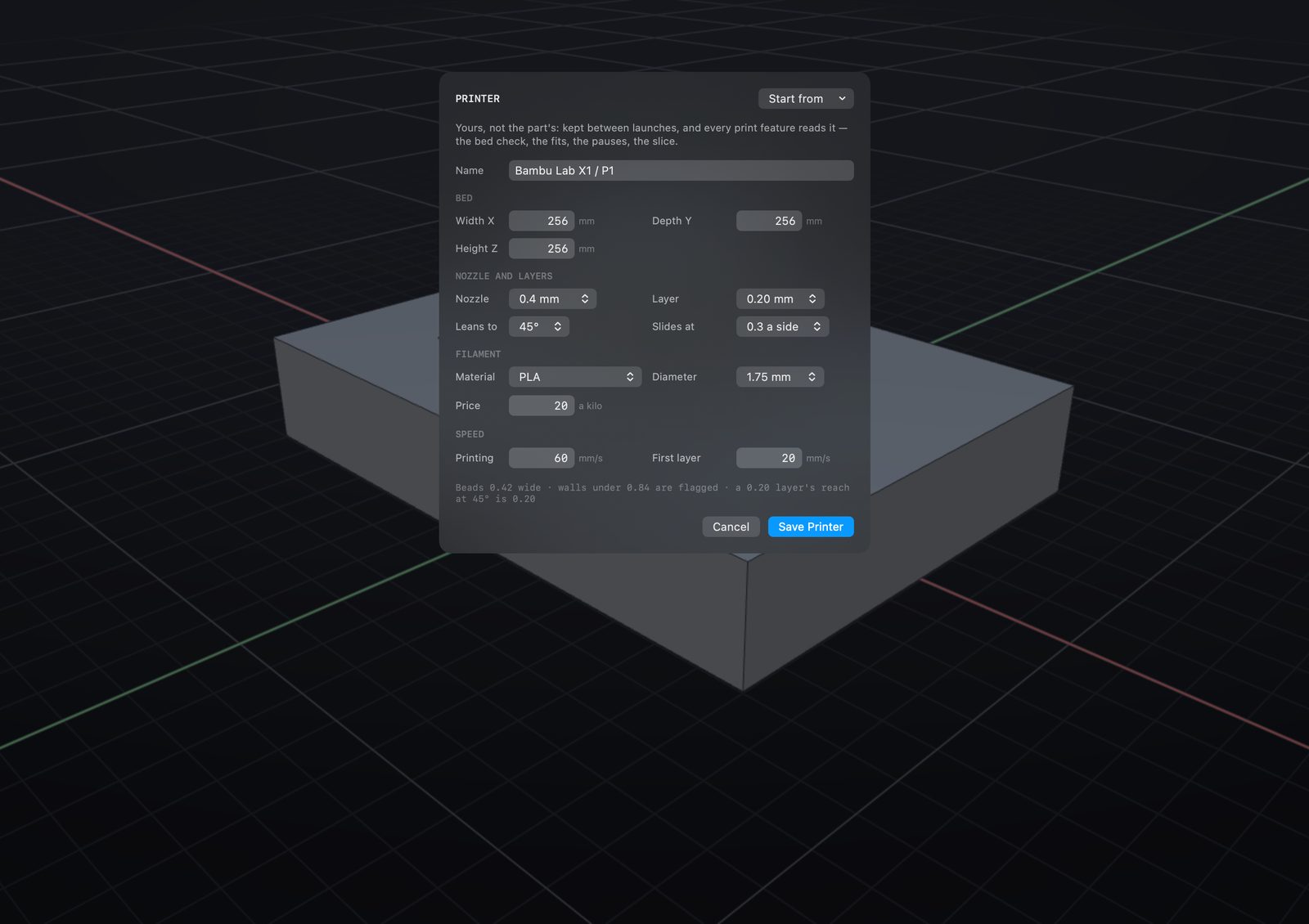
Straight to the printer.
How long it will take, how much filament, and whether it needs supports — then off to Bambu Studio.
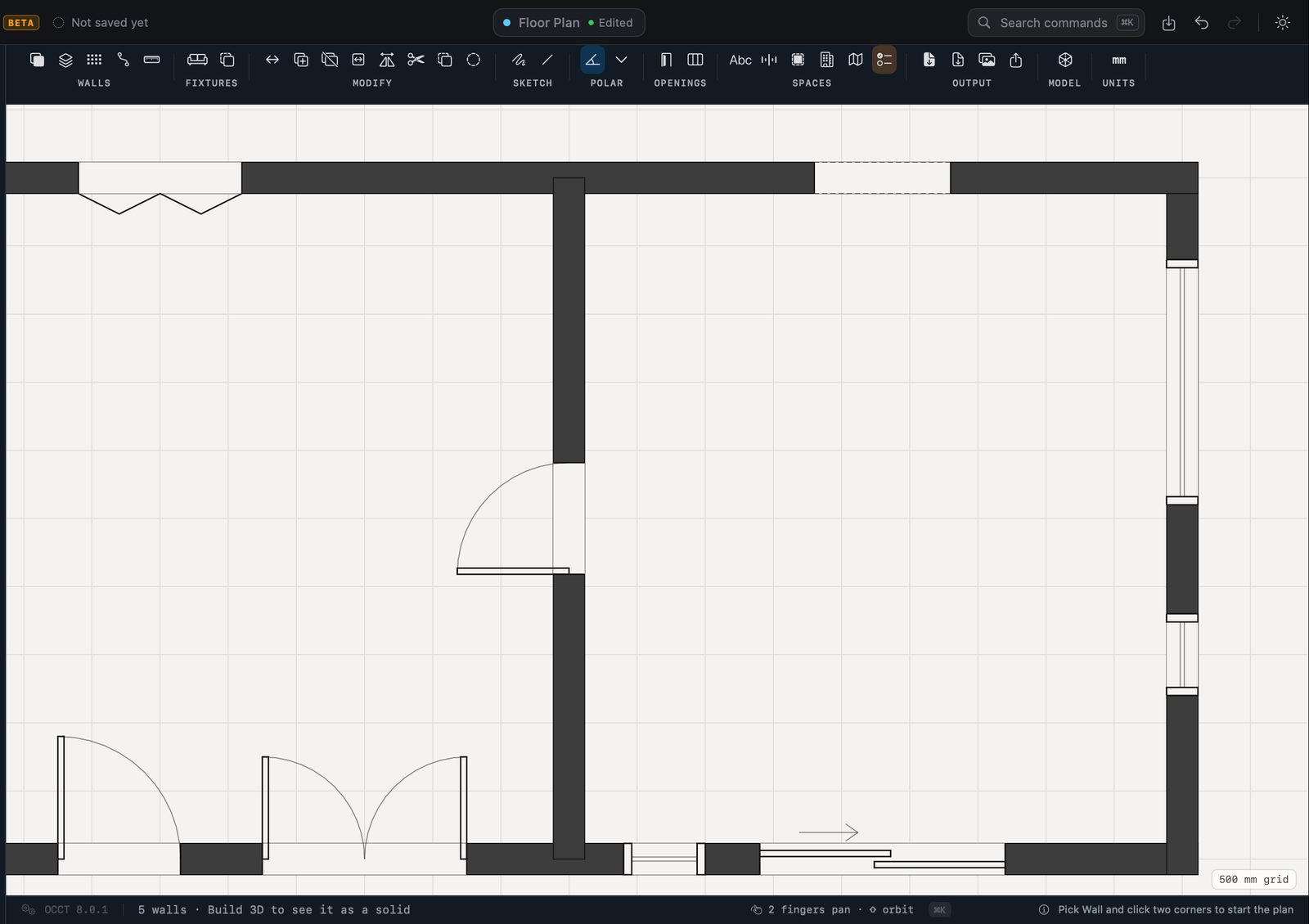
Buildings, too.
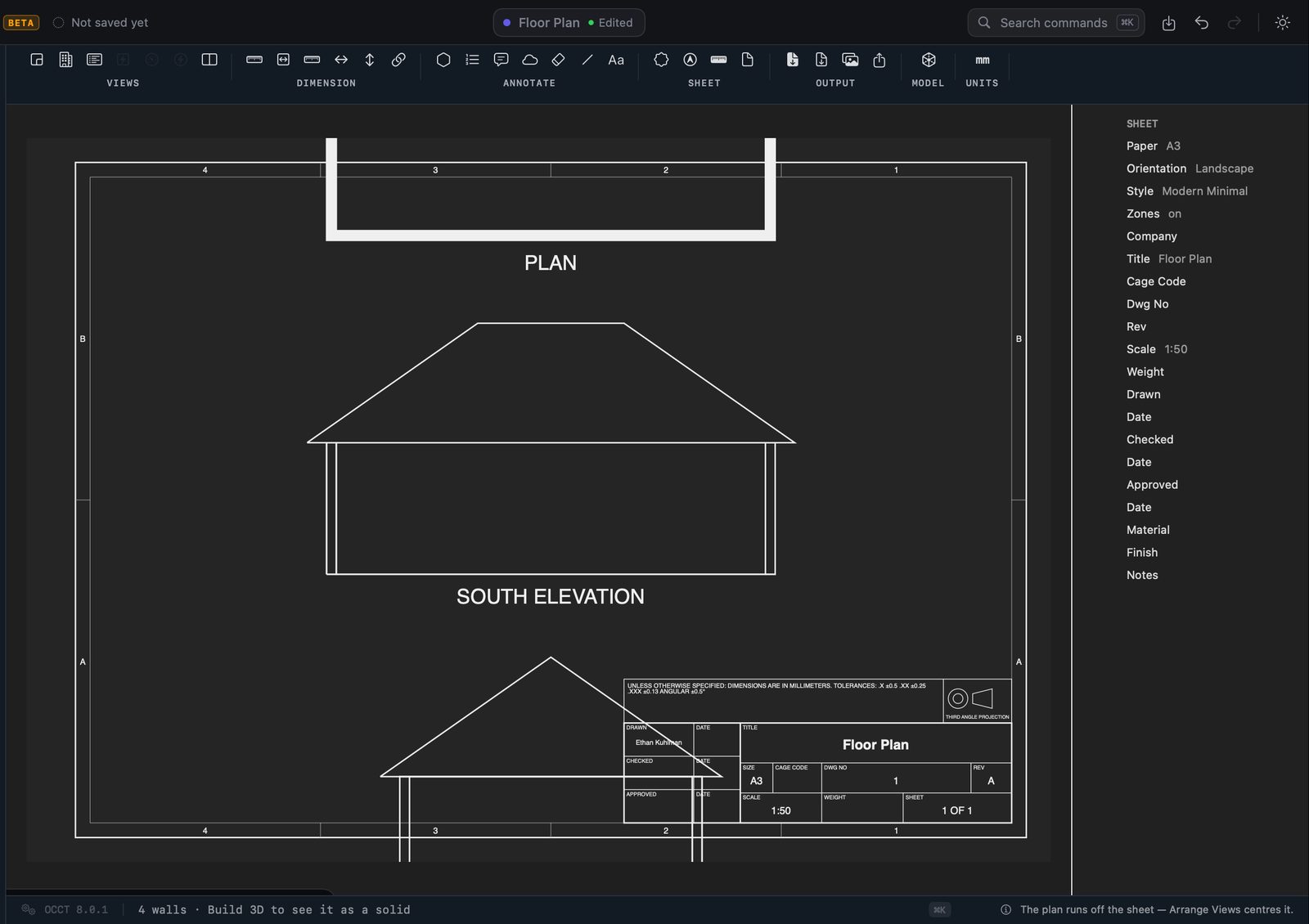
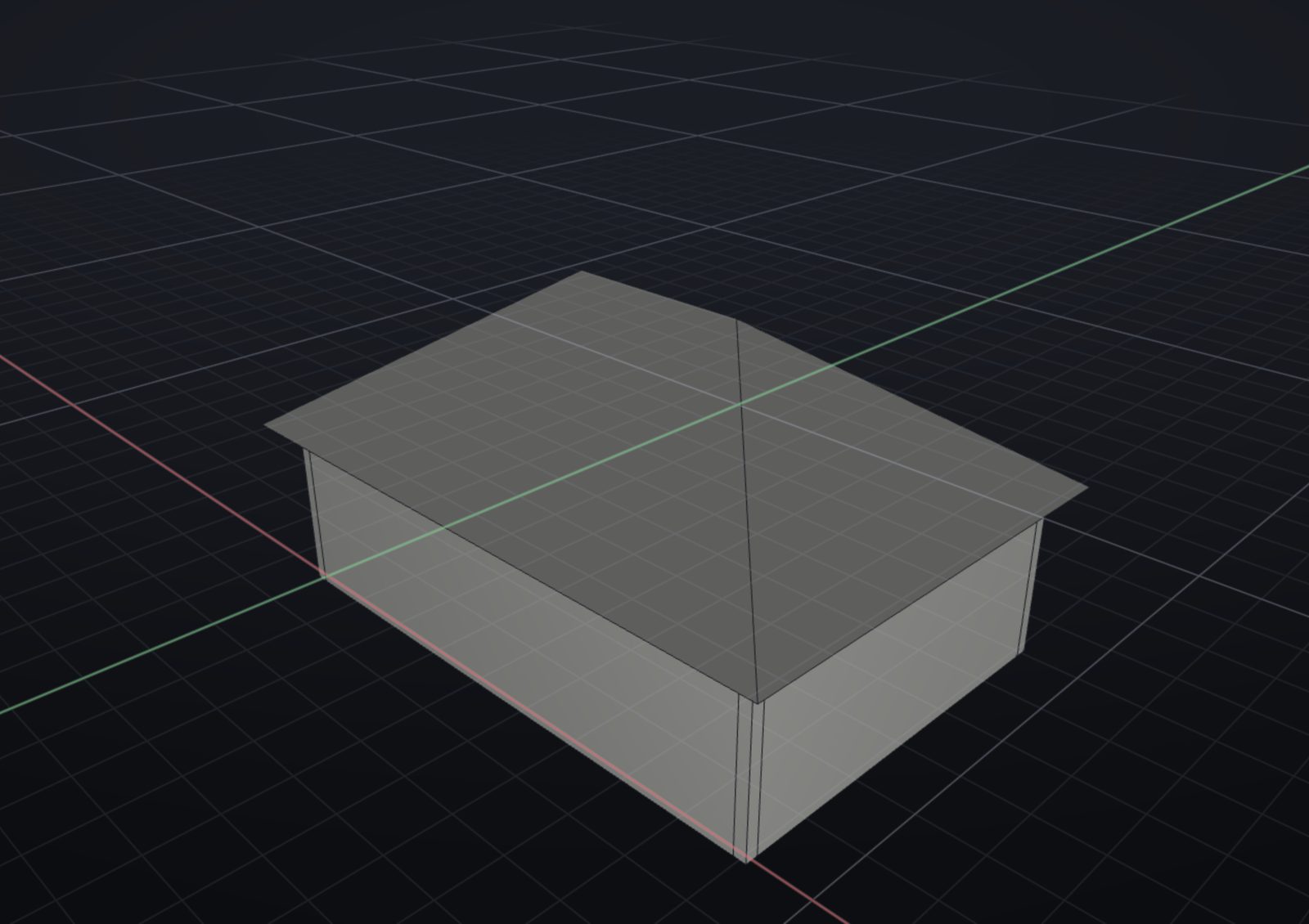
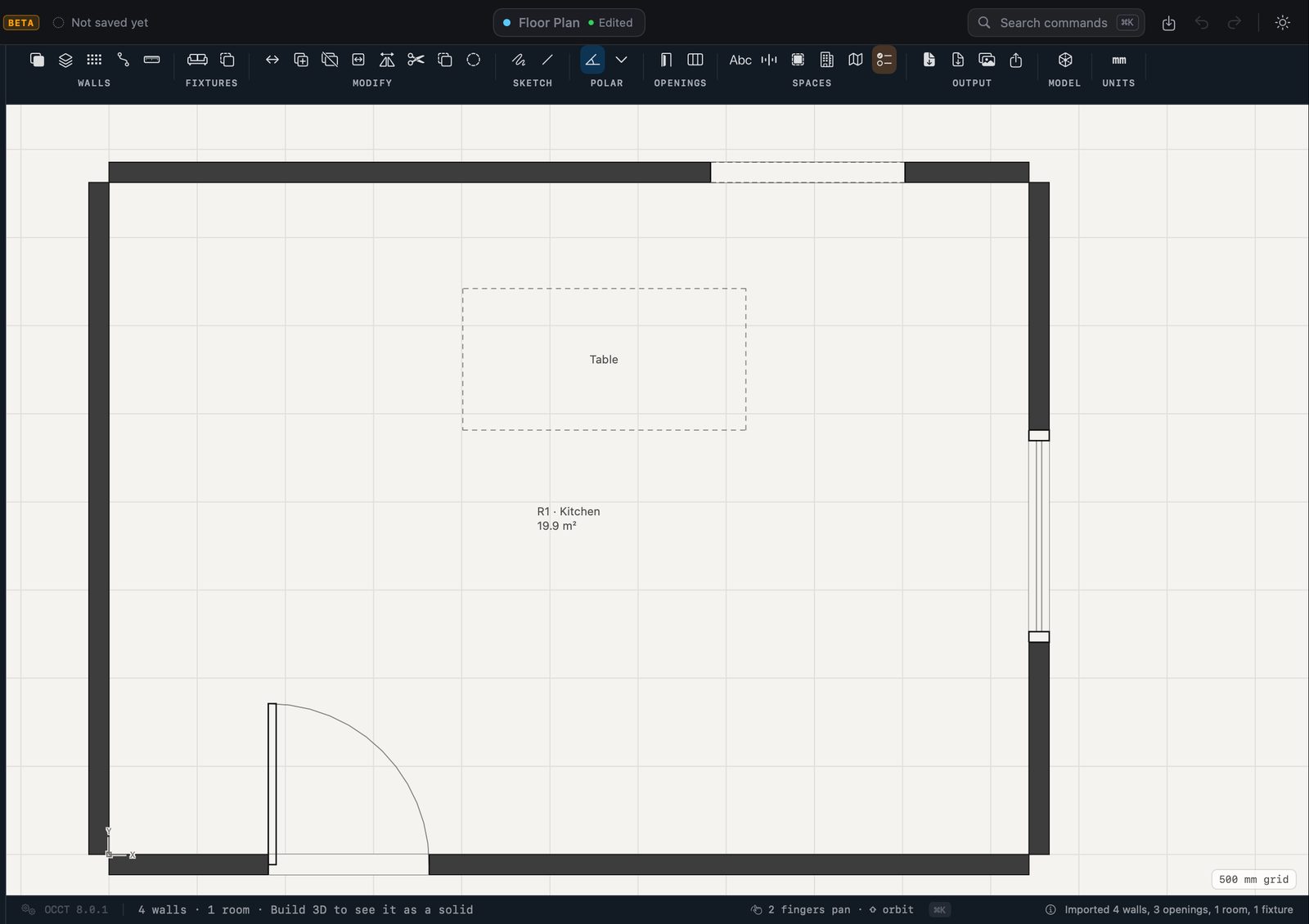
Walls, doors and windows on a grid, rooms, storeys, roofs and stairs — and a LiDAR survey from Contour straight in.
The building in 3D.
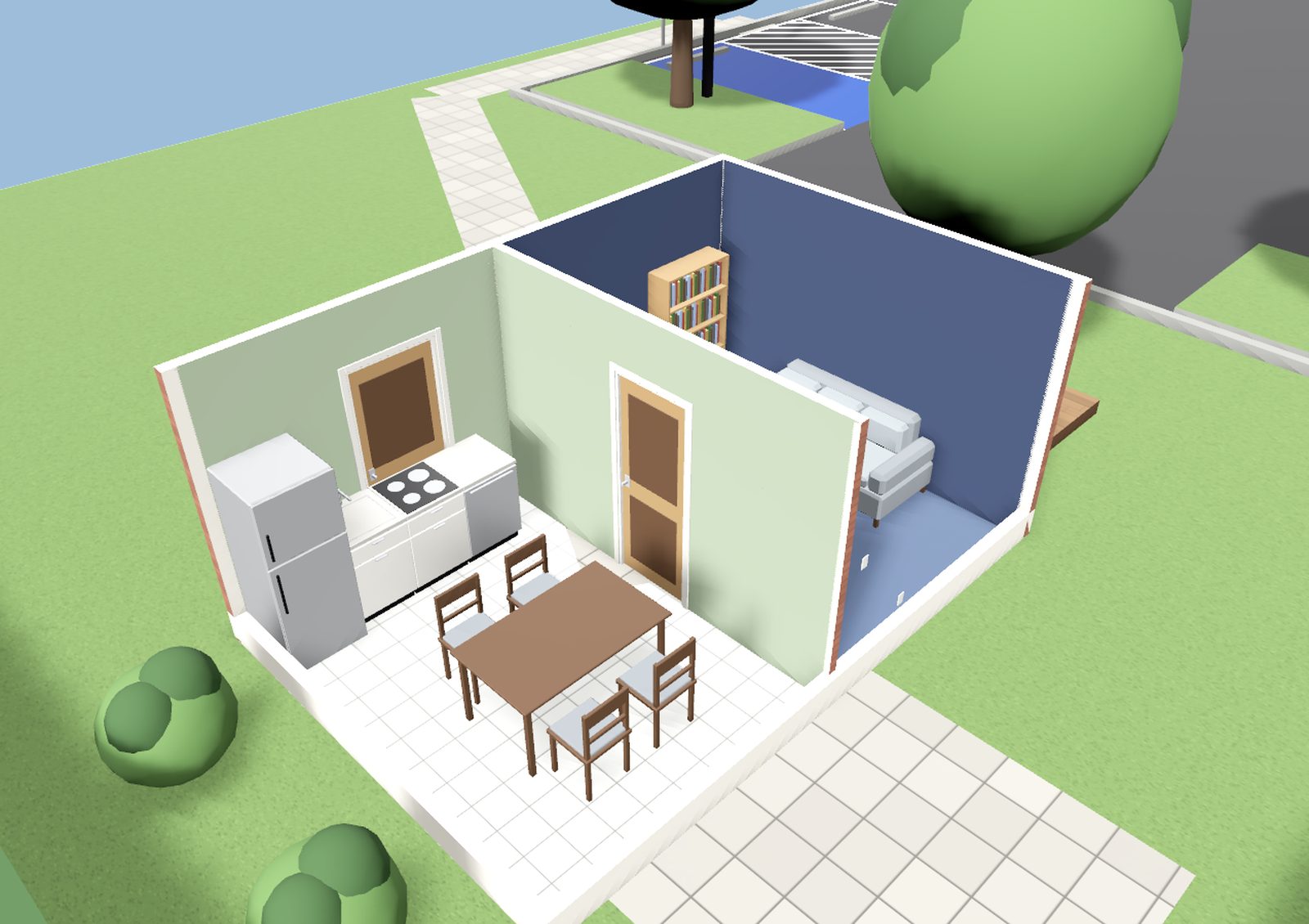
The plan stands up as a house: walk through it, furnish it, paint it, and light it by the sun or its own lamps.
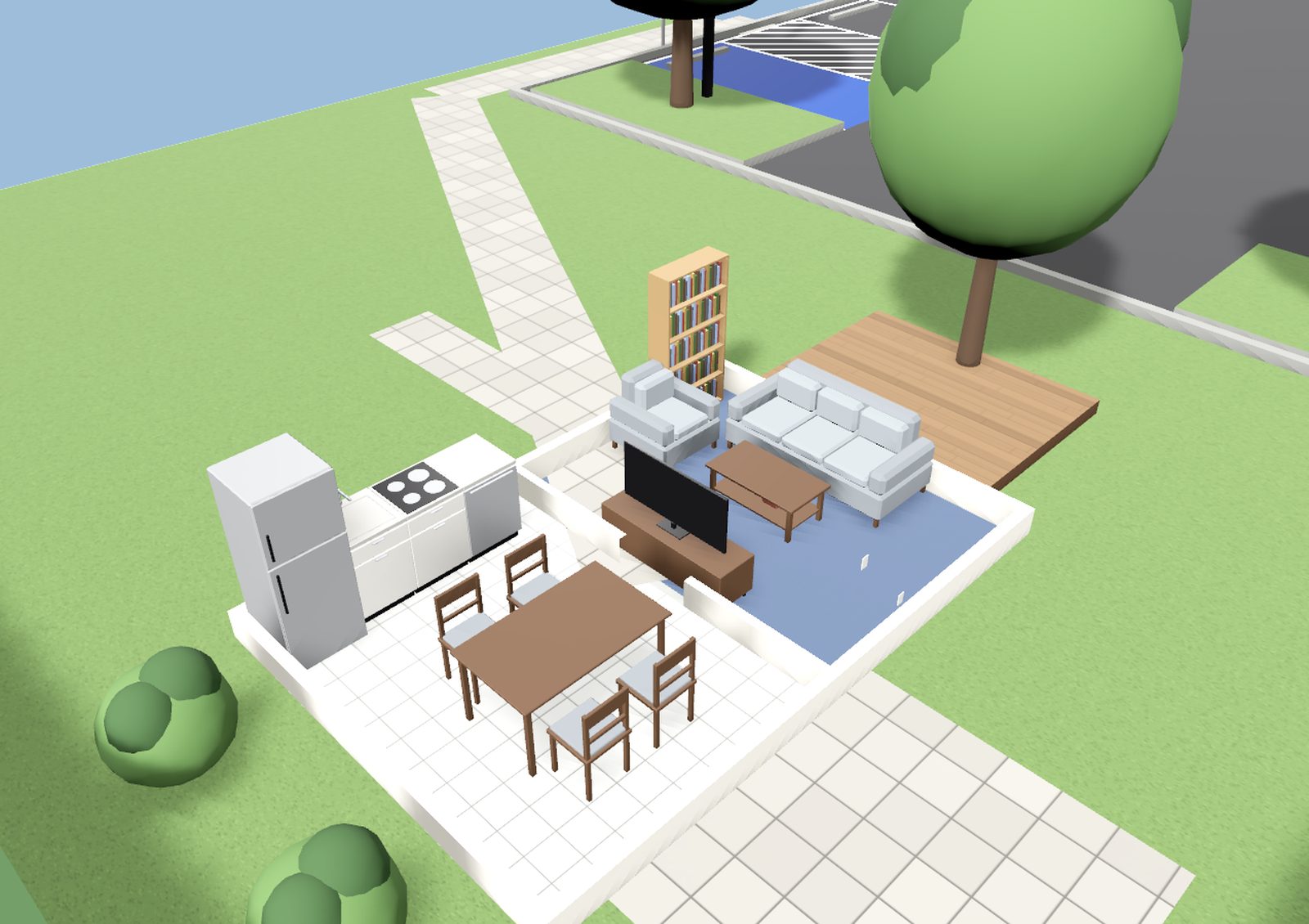
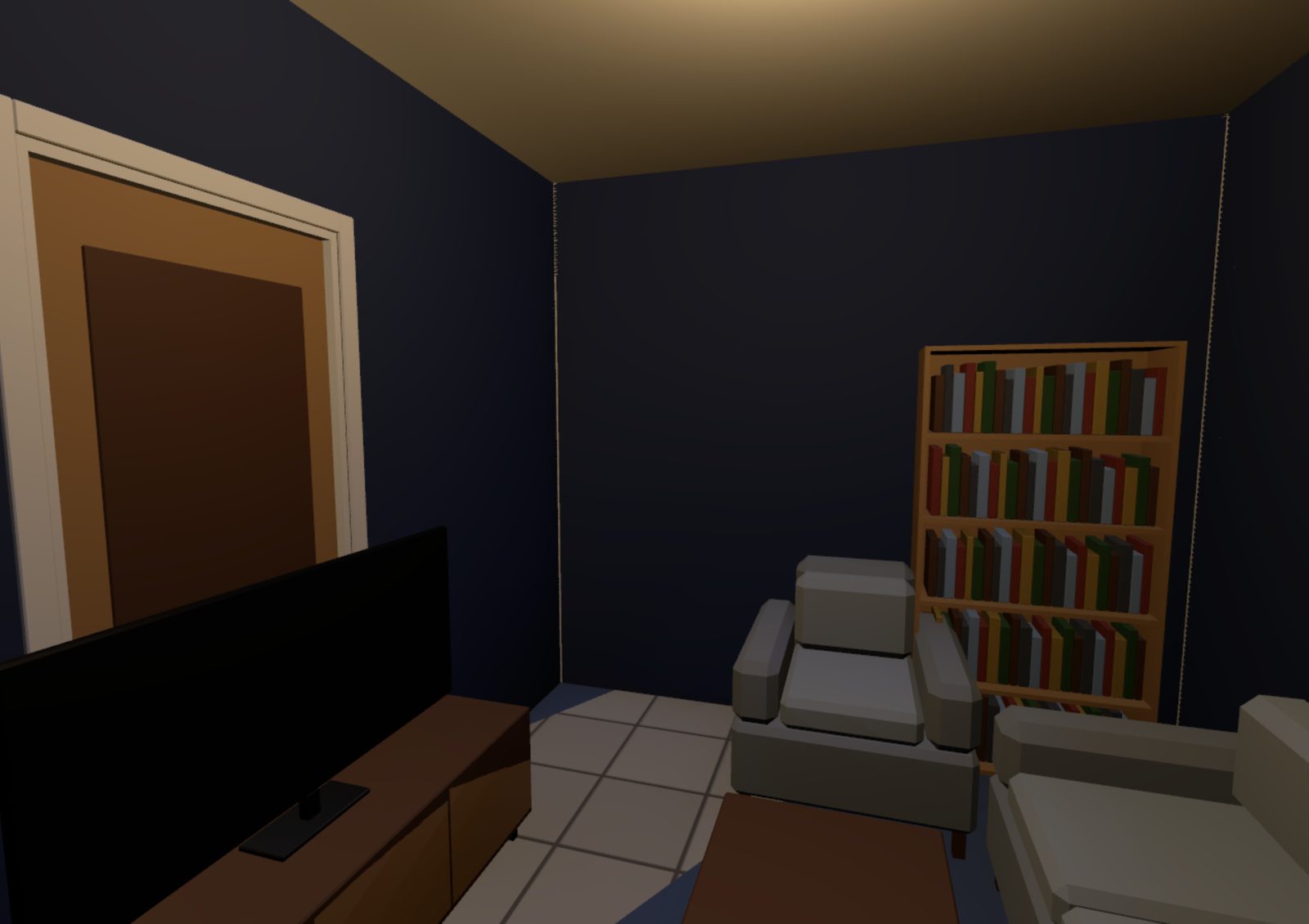
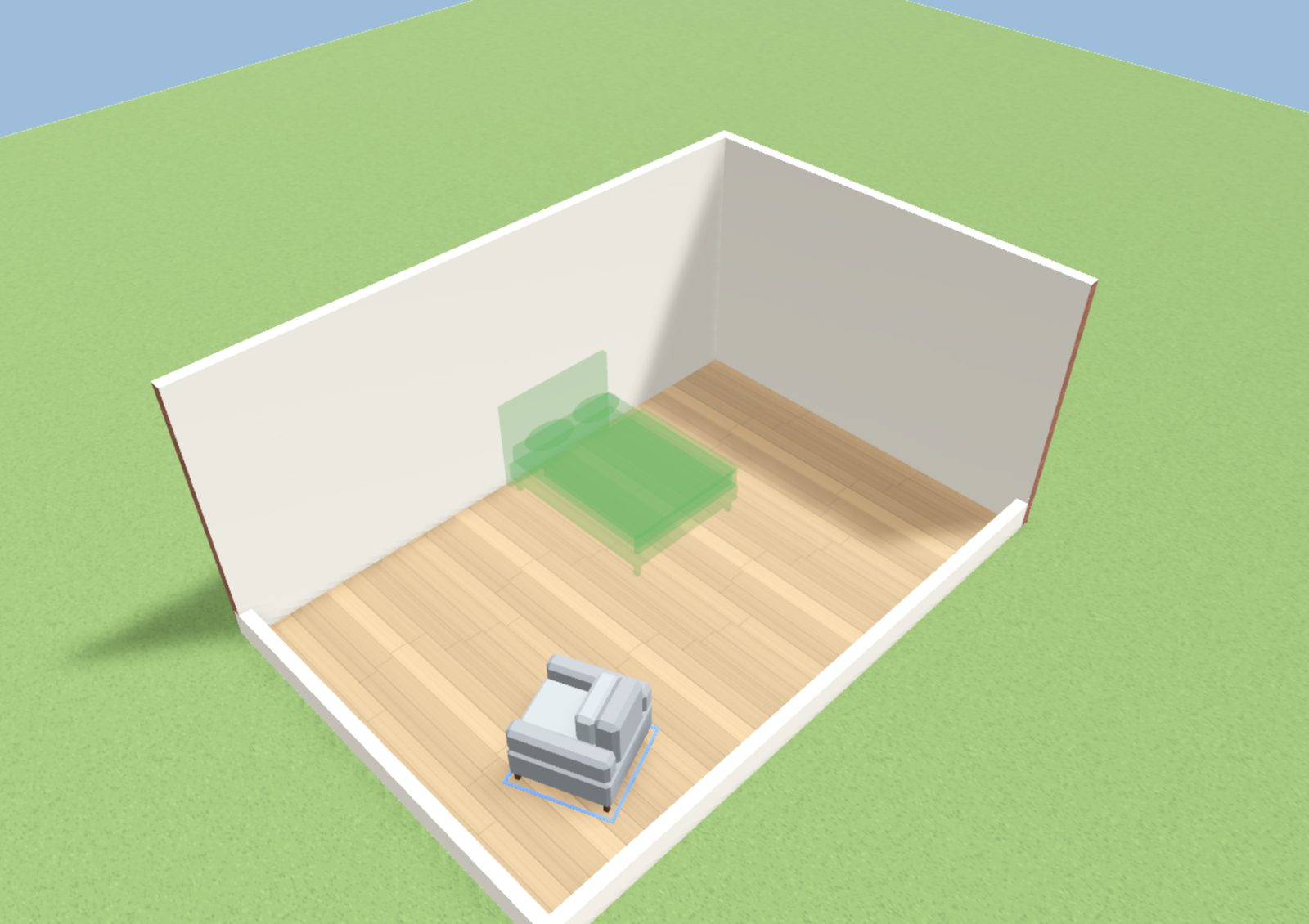
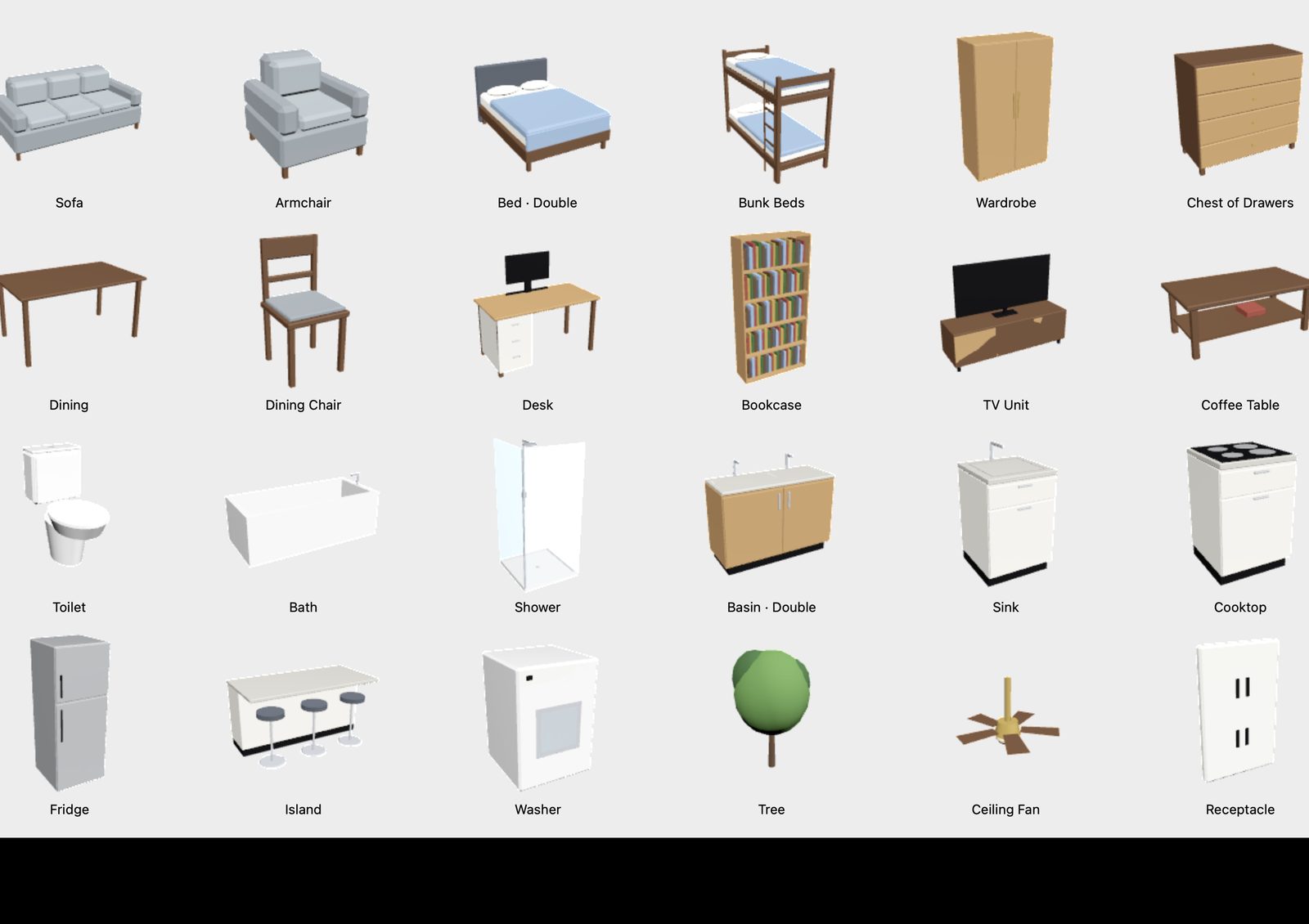
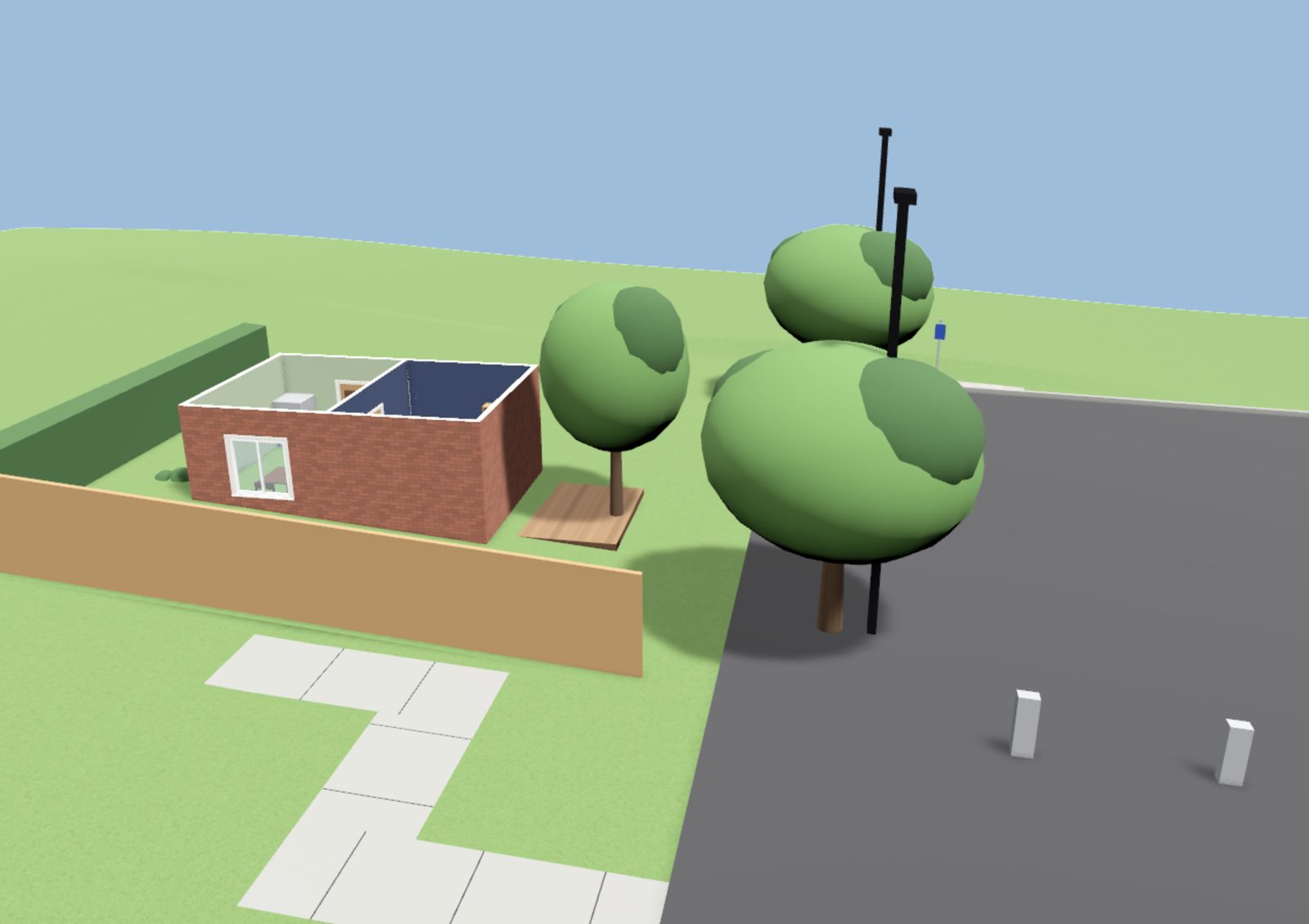
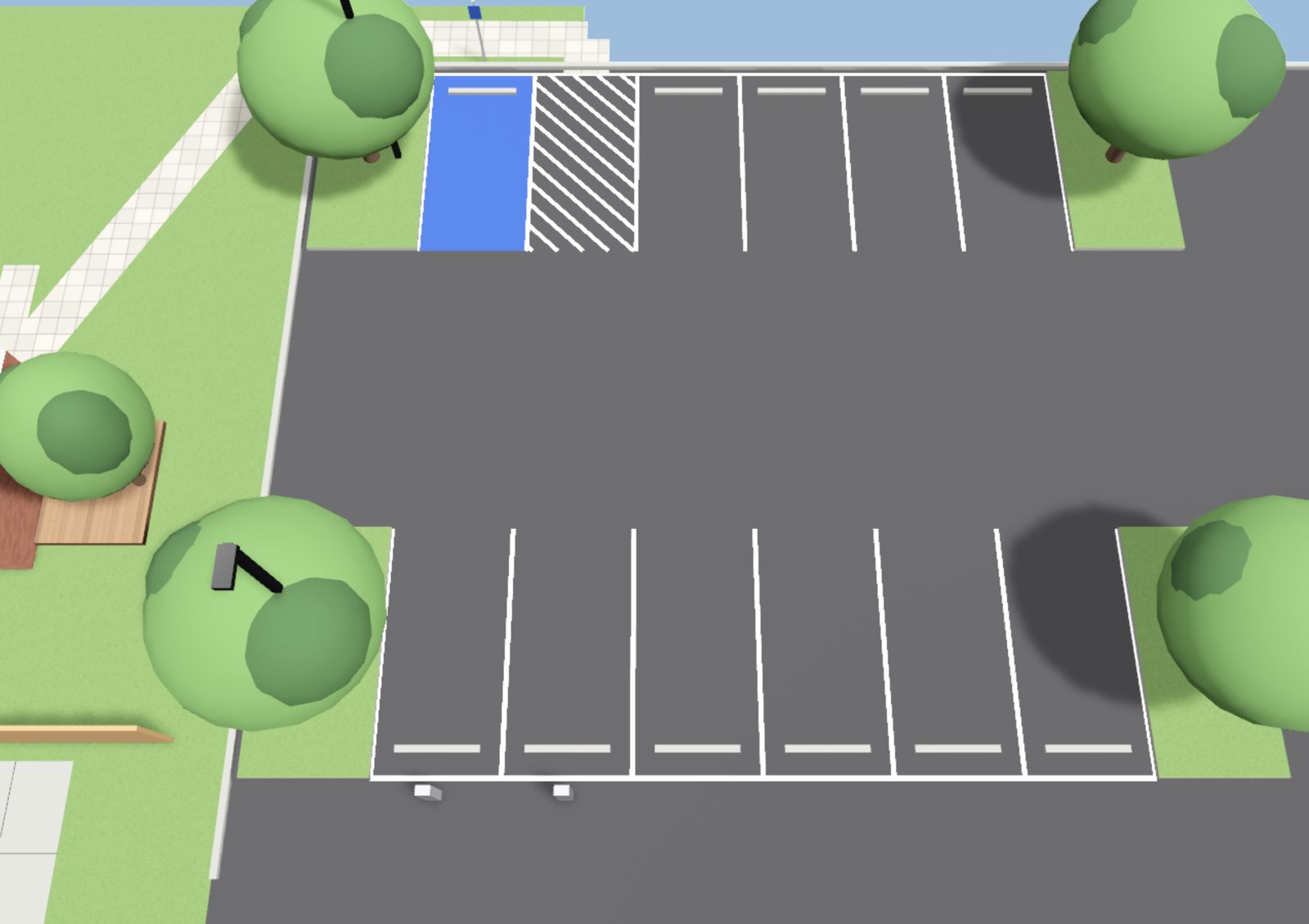
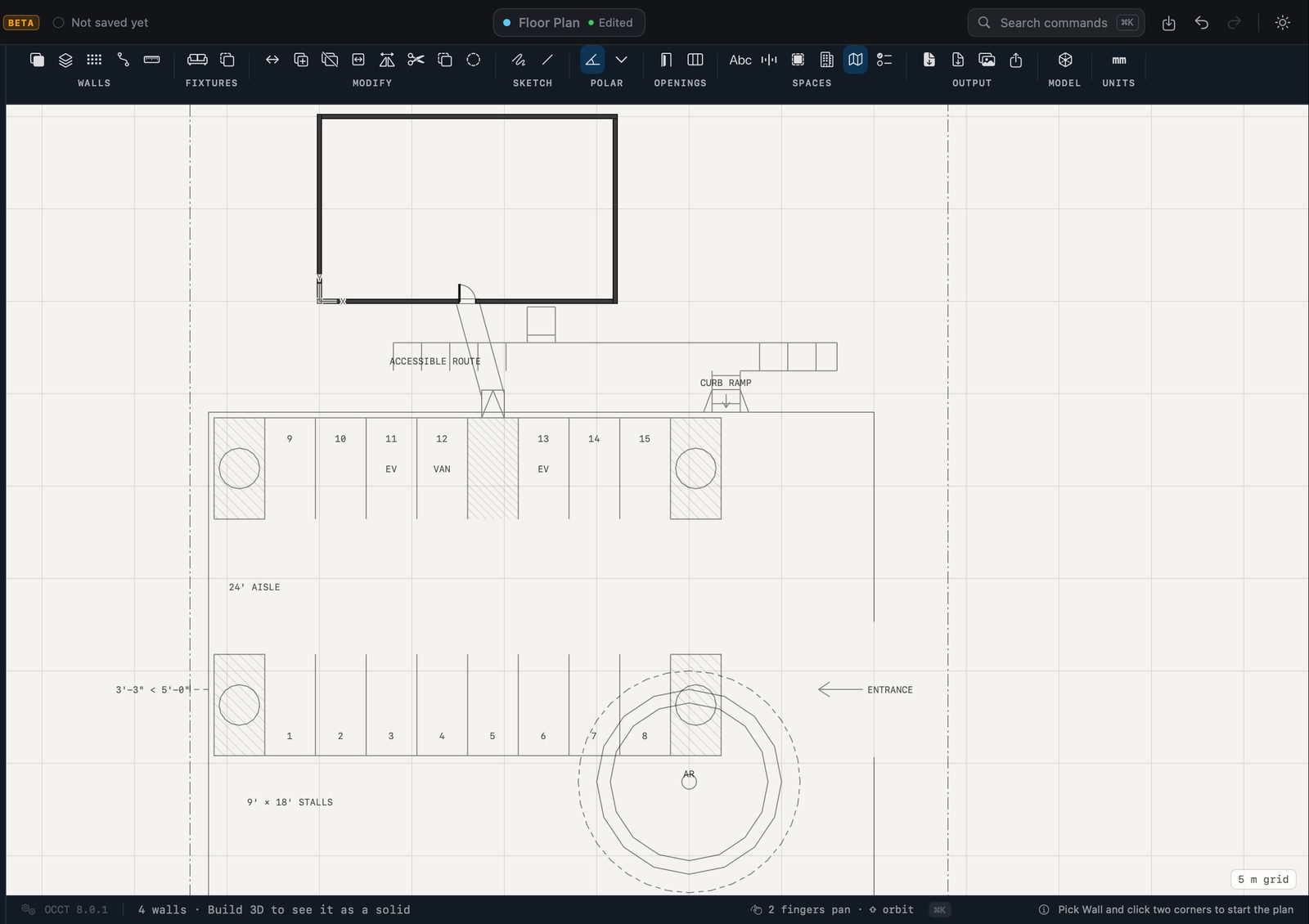
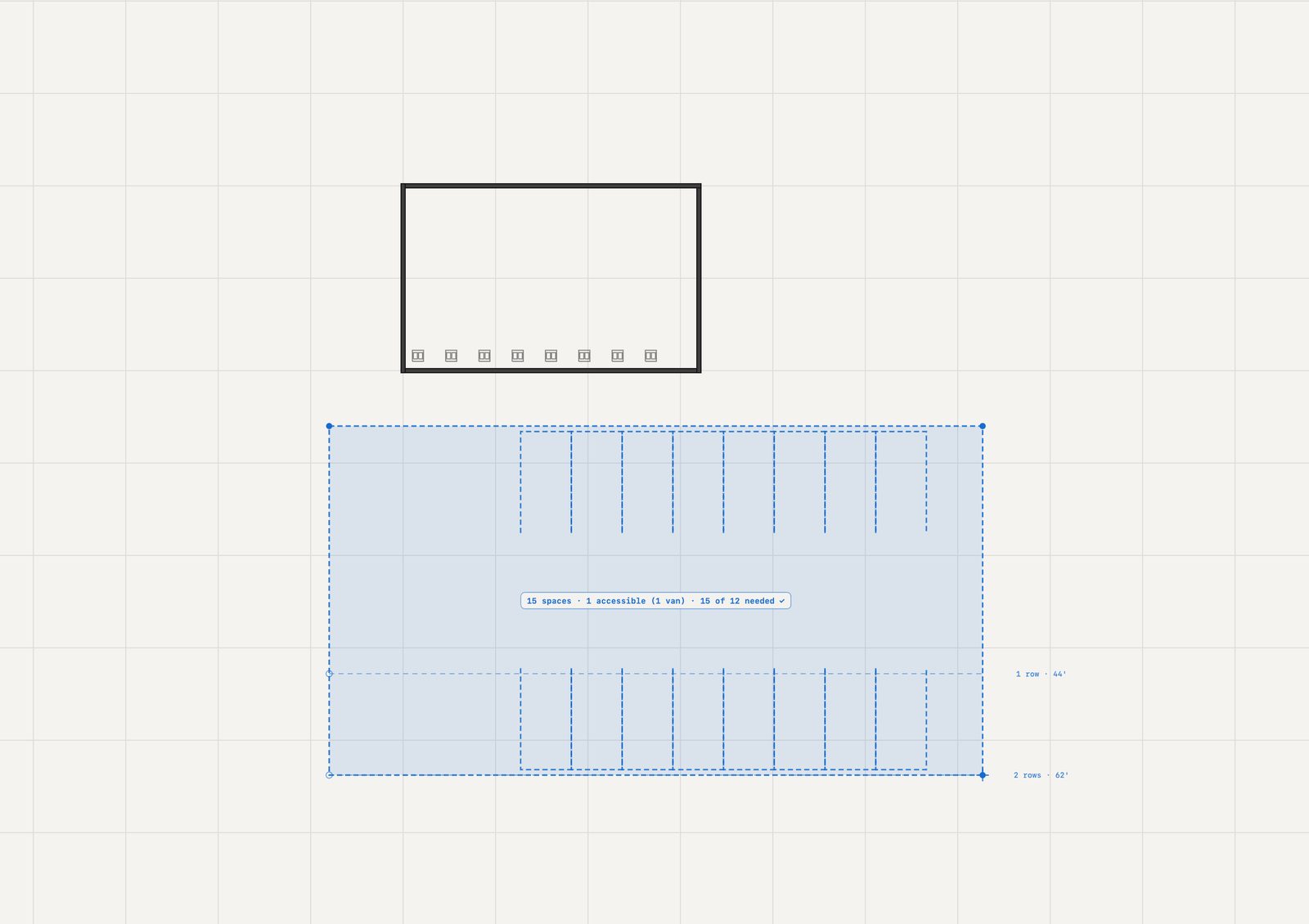
The ground around it.
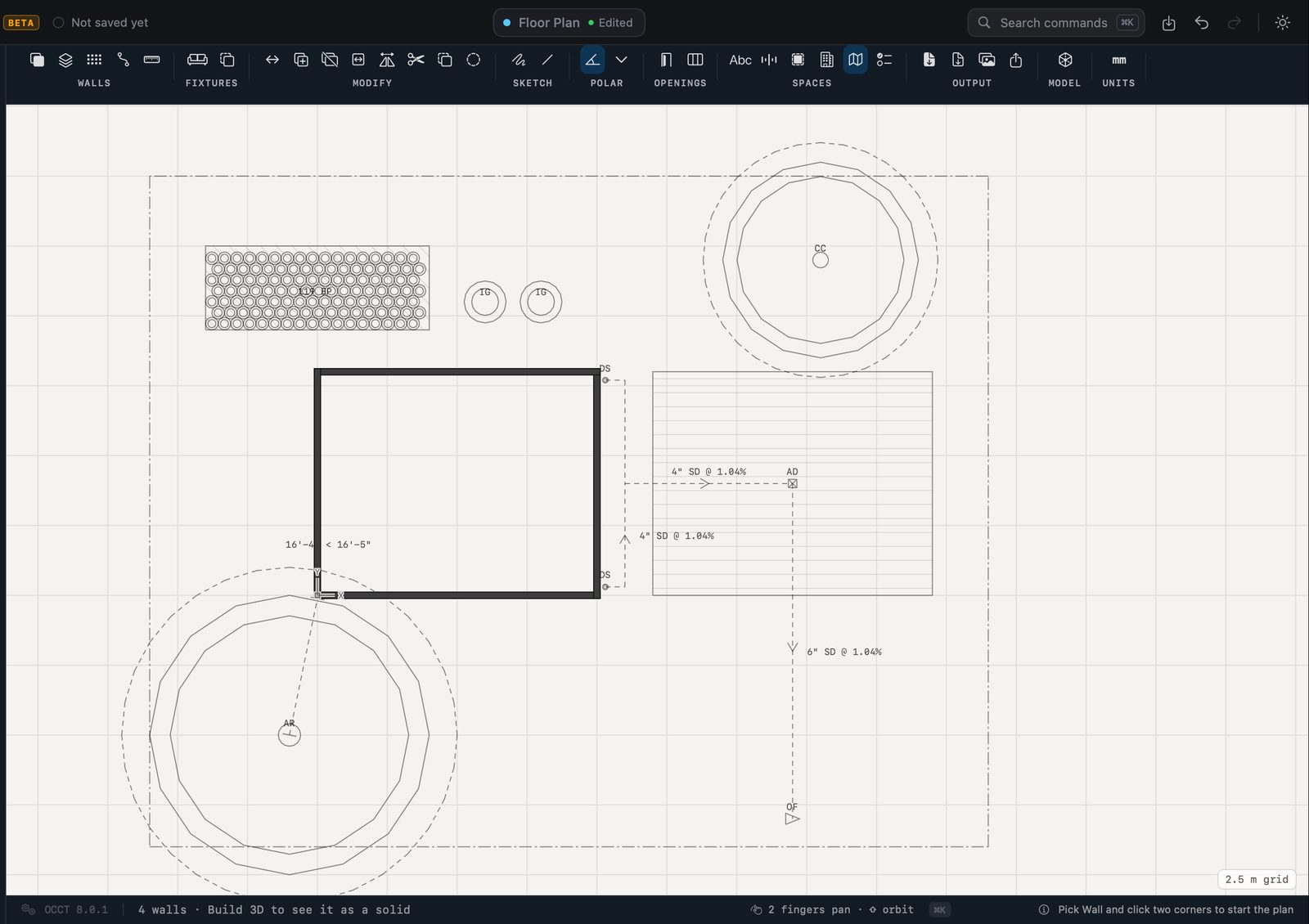
The plot, the garden and the walks; parking laid out as built; the ground shaped; drains sized from the runoff; planting with a schedule — and every piece aware of the others.
Wire the building.
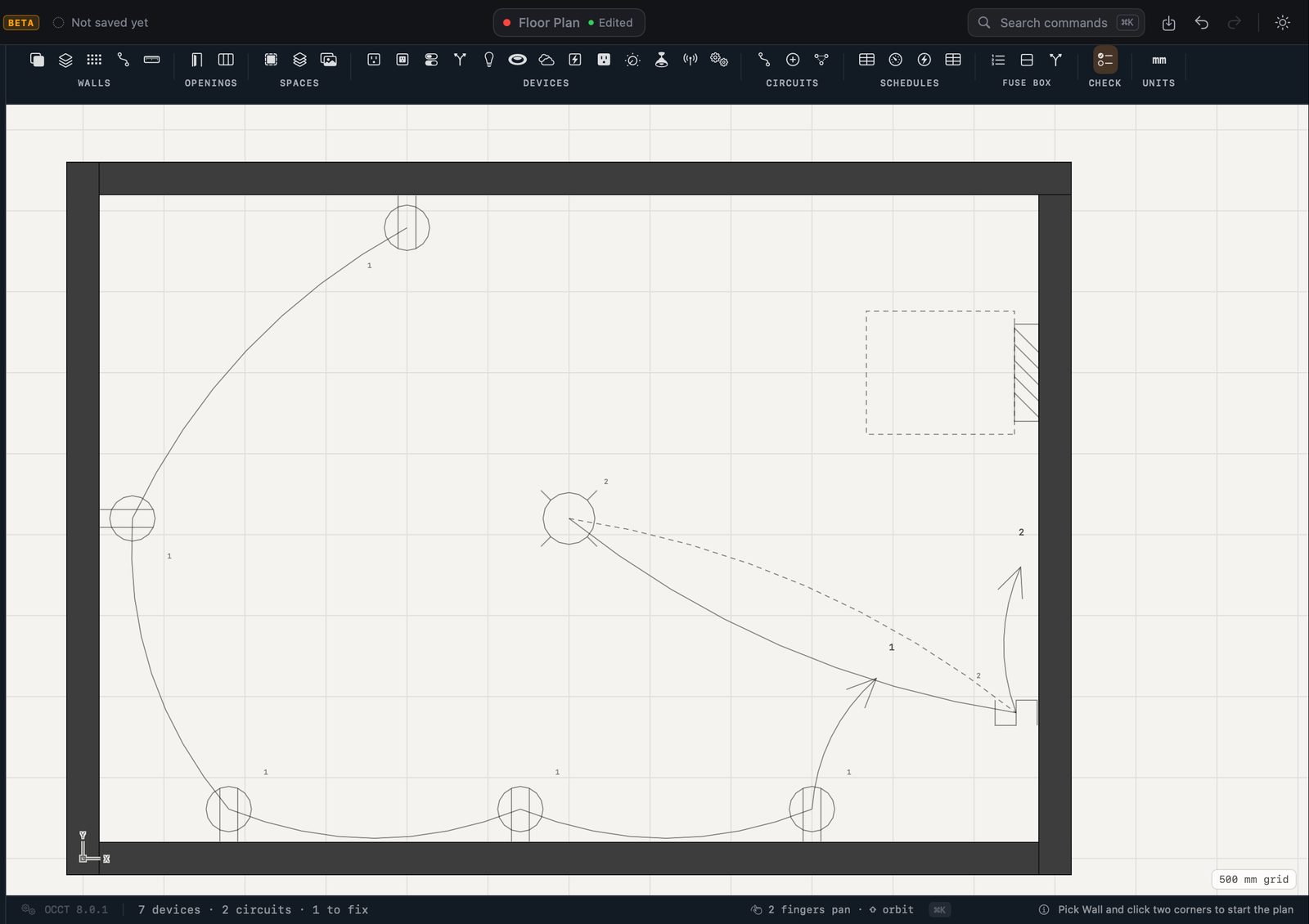
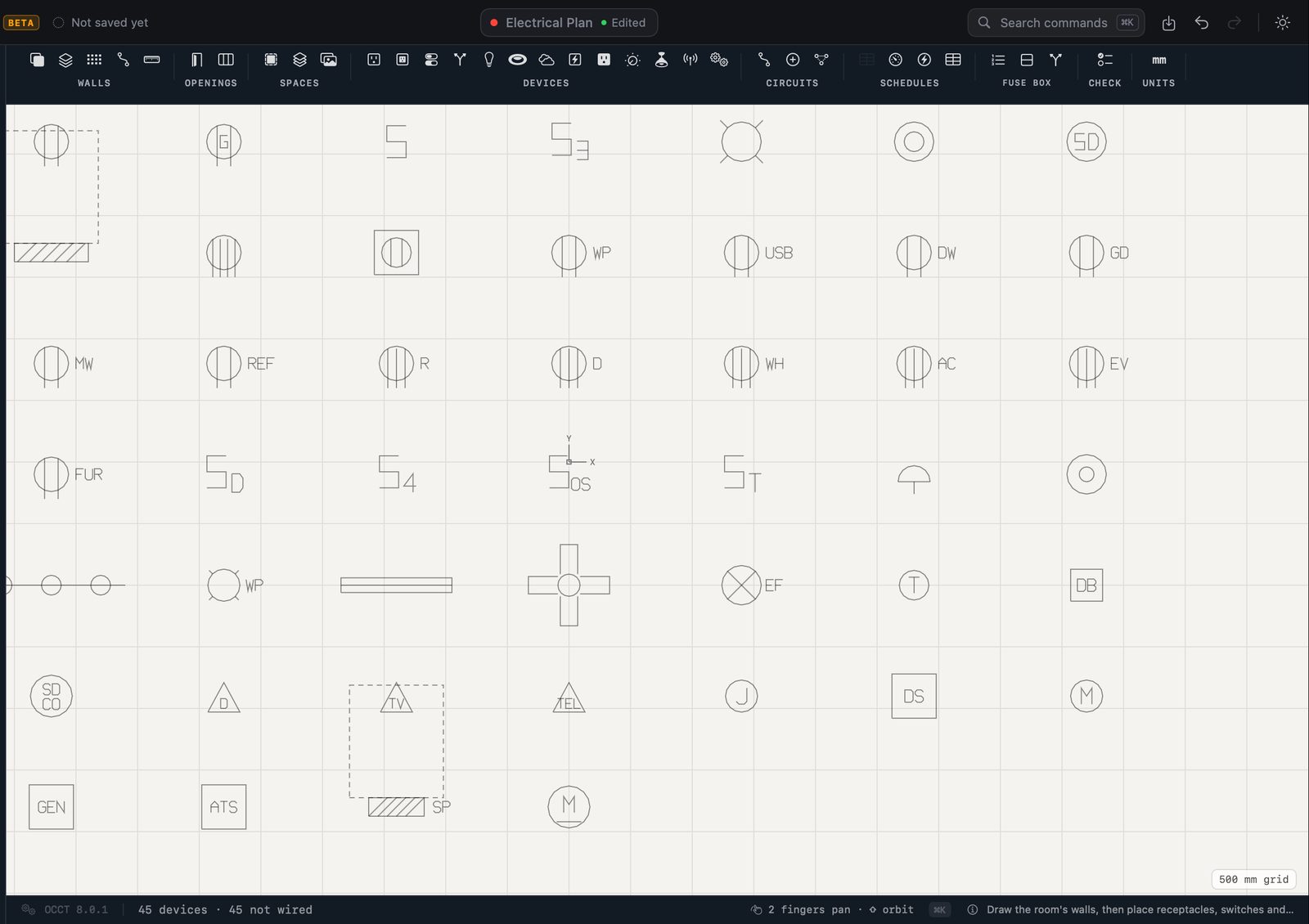
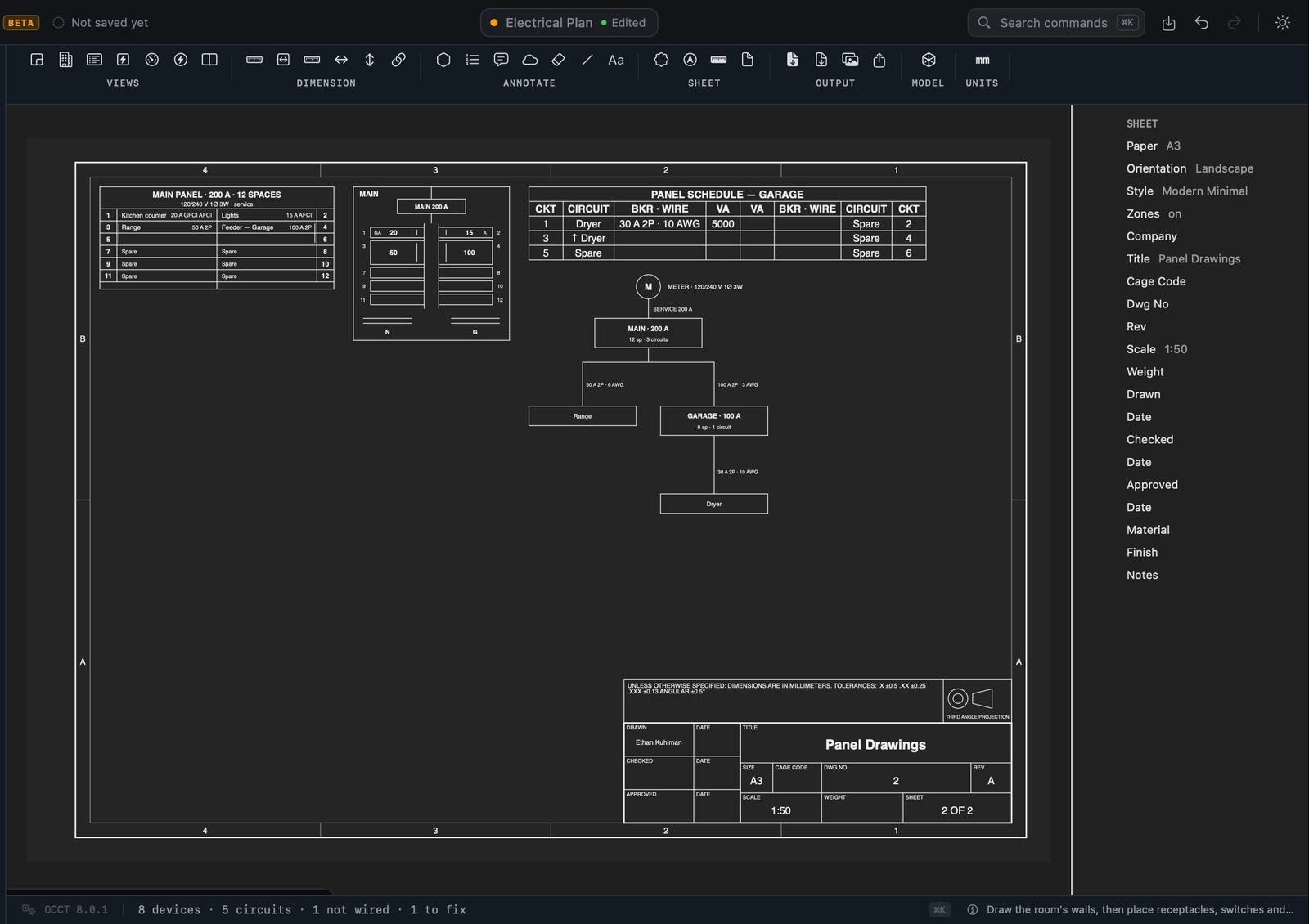
Devices on the plan, circuits run to the panel, and the schedule and service load computed — never typed.
Circuit boards.
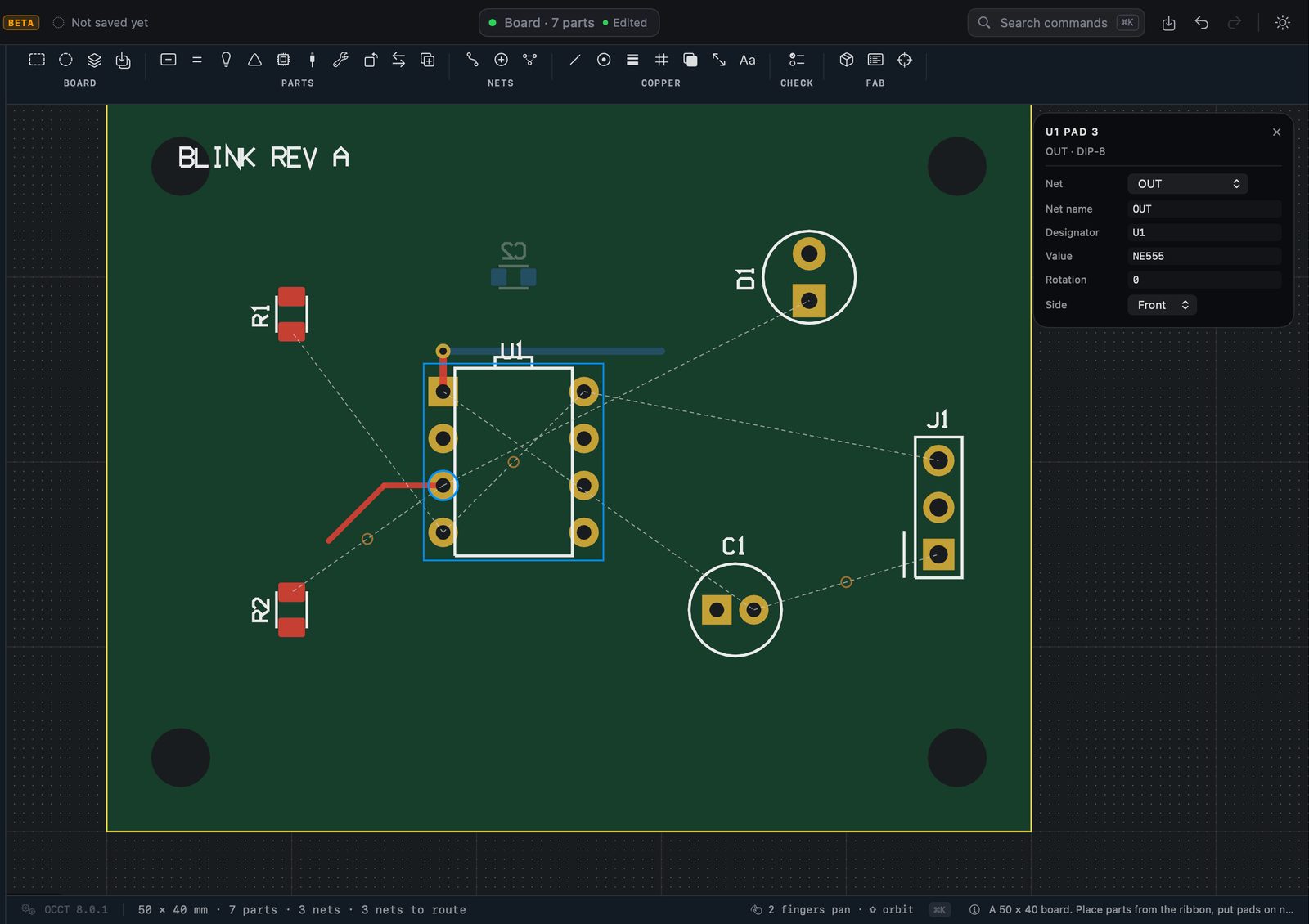
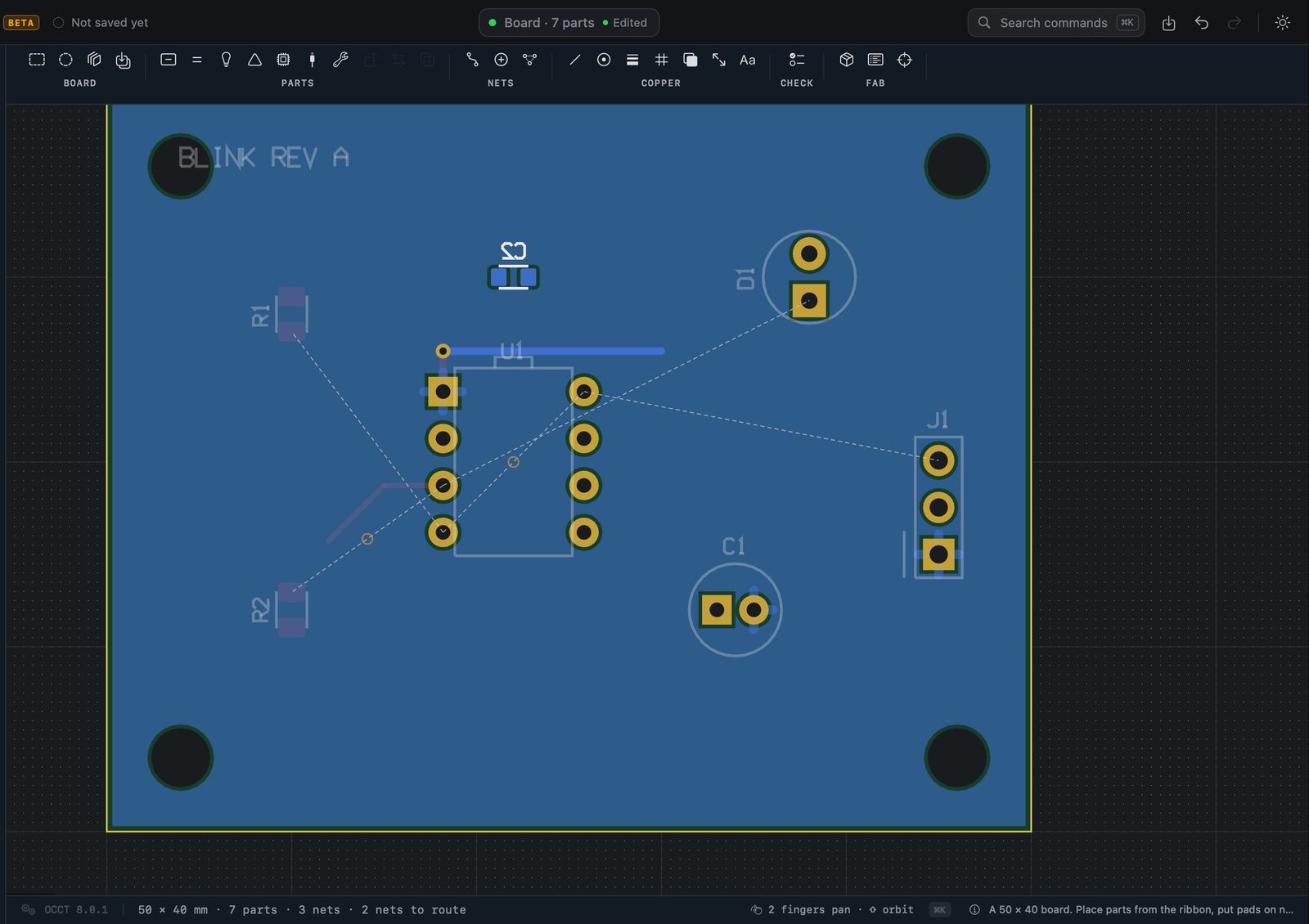
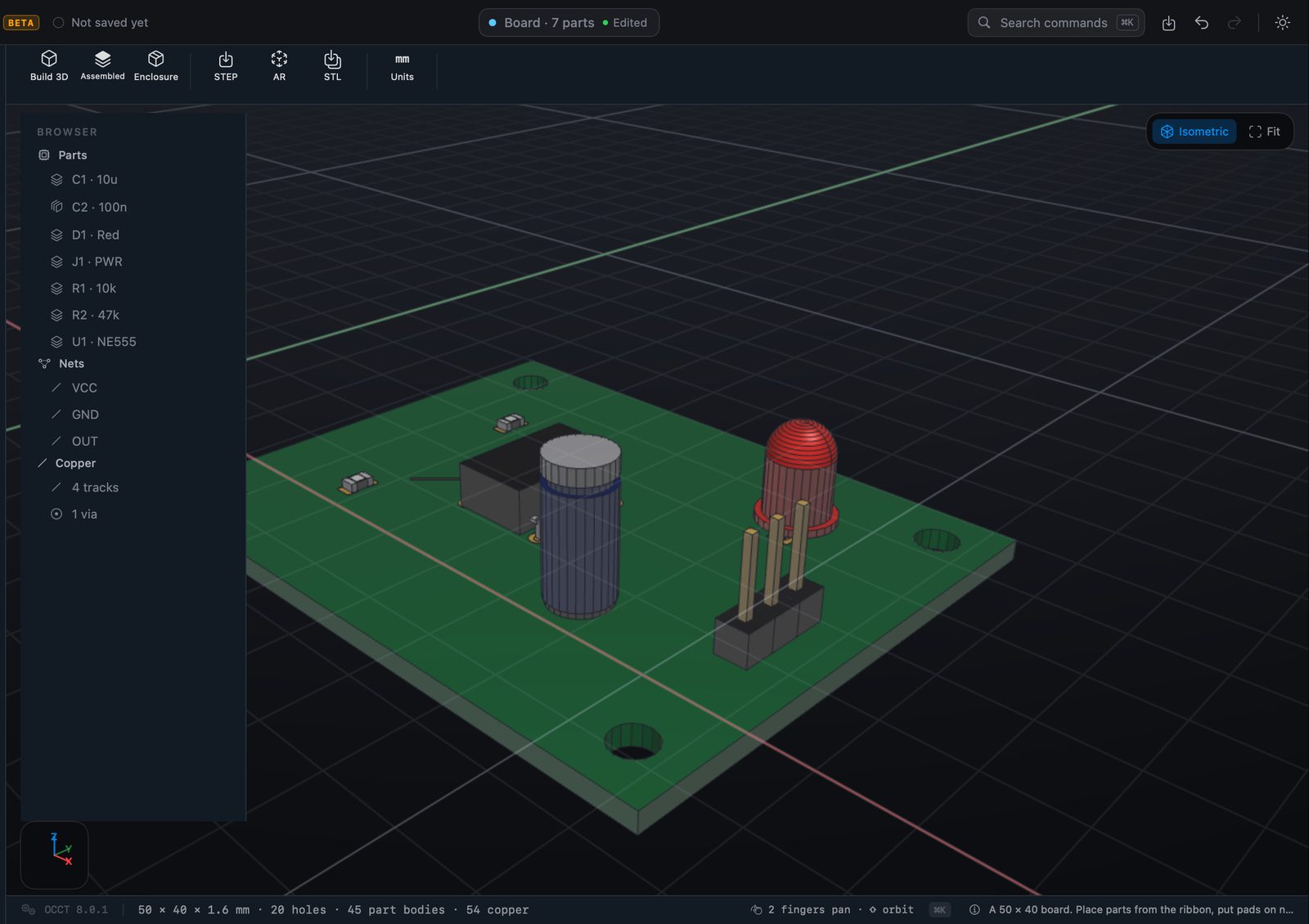
Parts from a built-in footprint set, nets and a ratsnest, copper routed by hand with the design rules checked, and the board in 3D.
Made for the Mac.
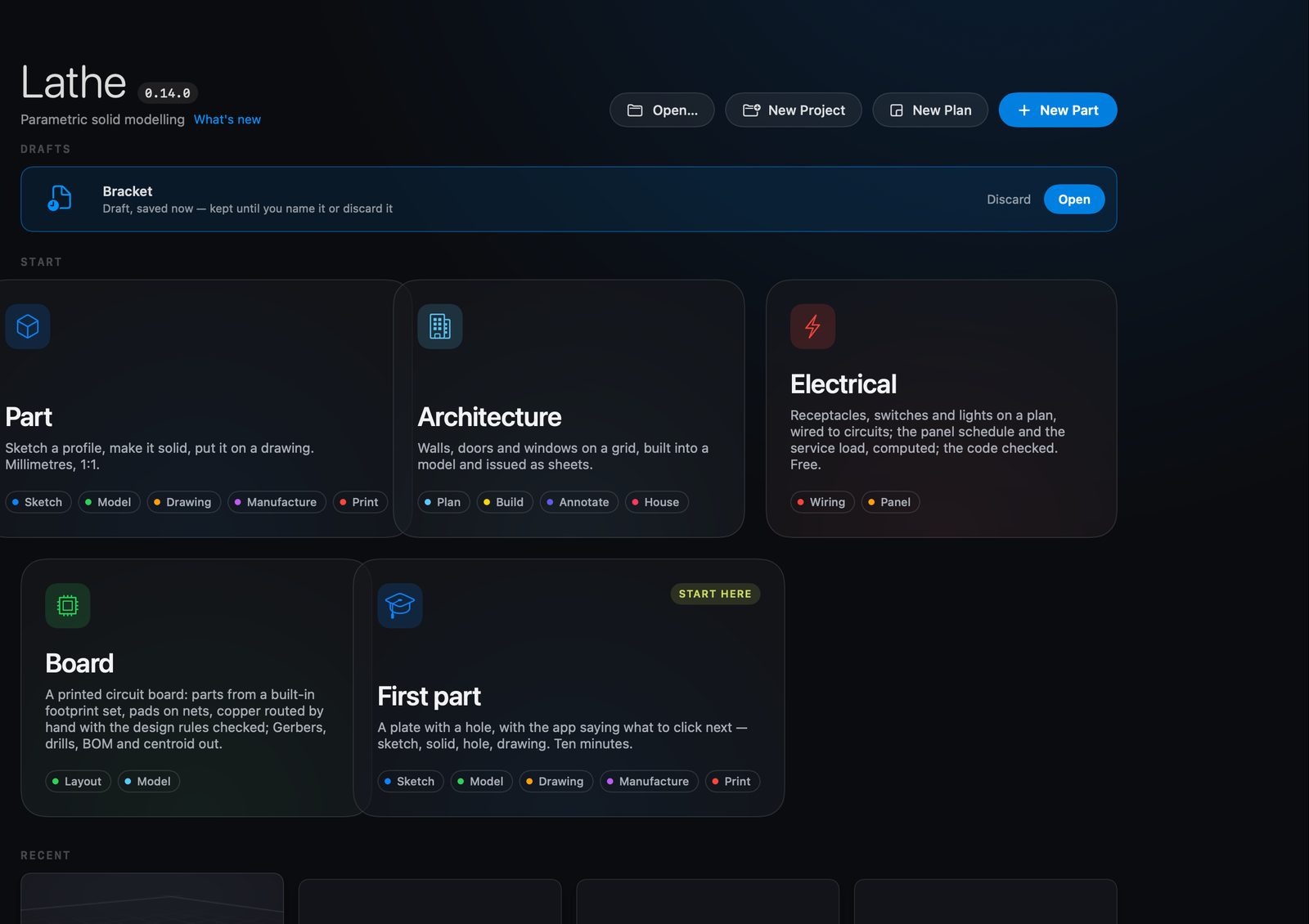
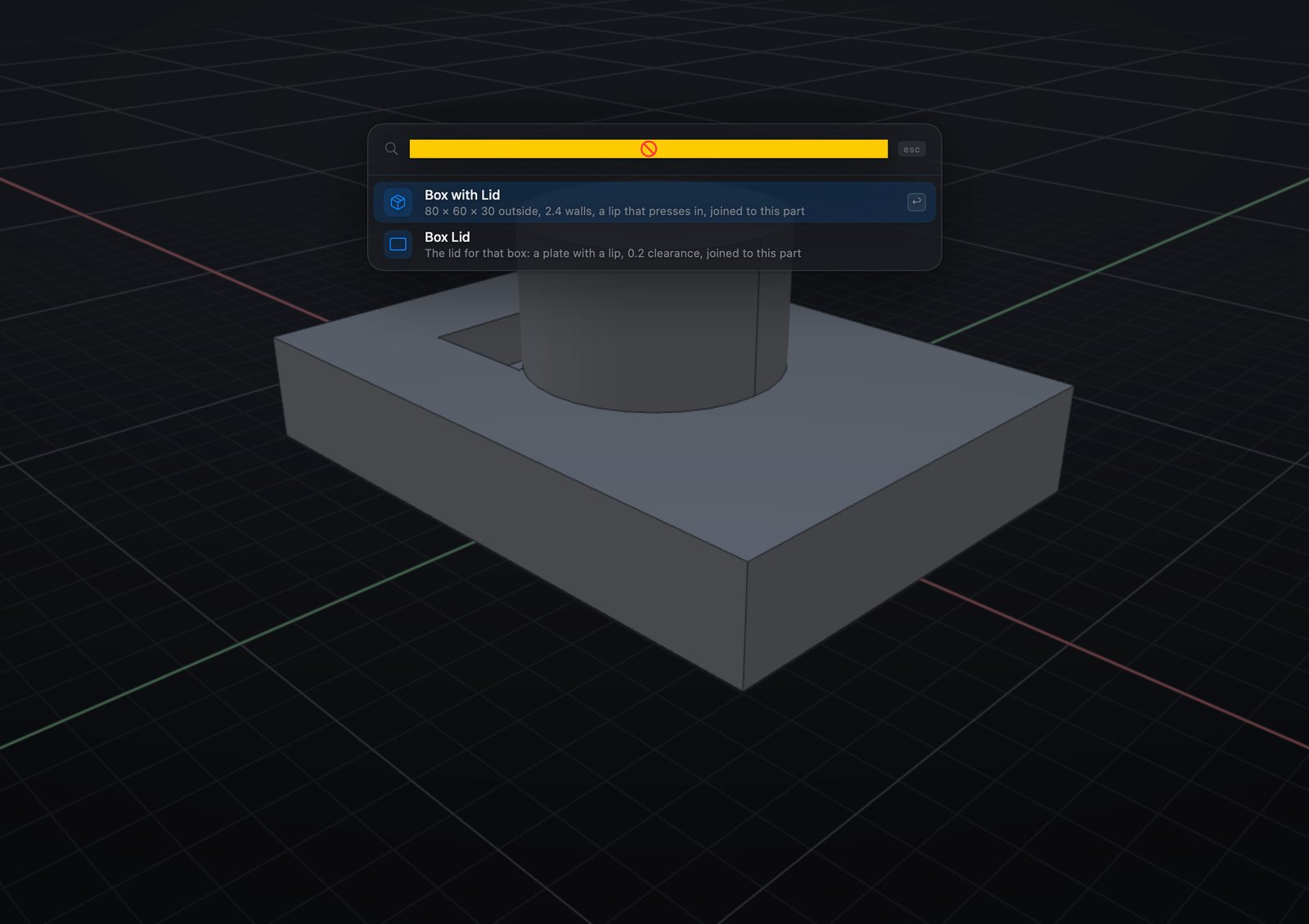
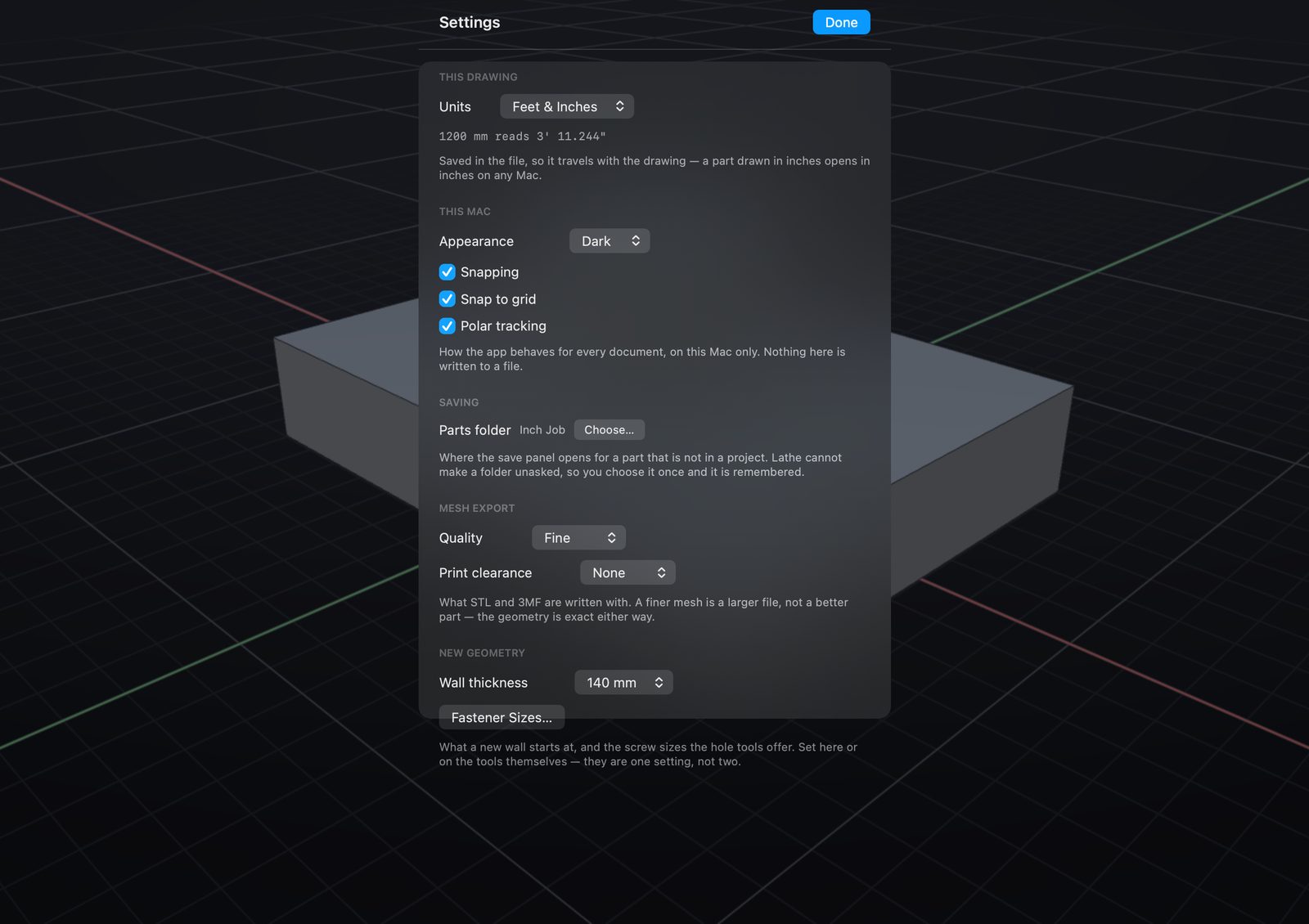
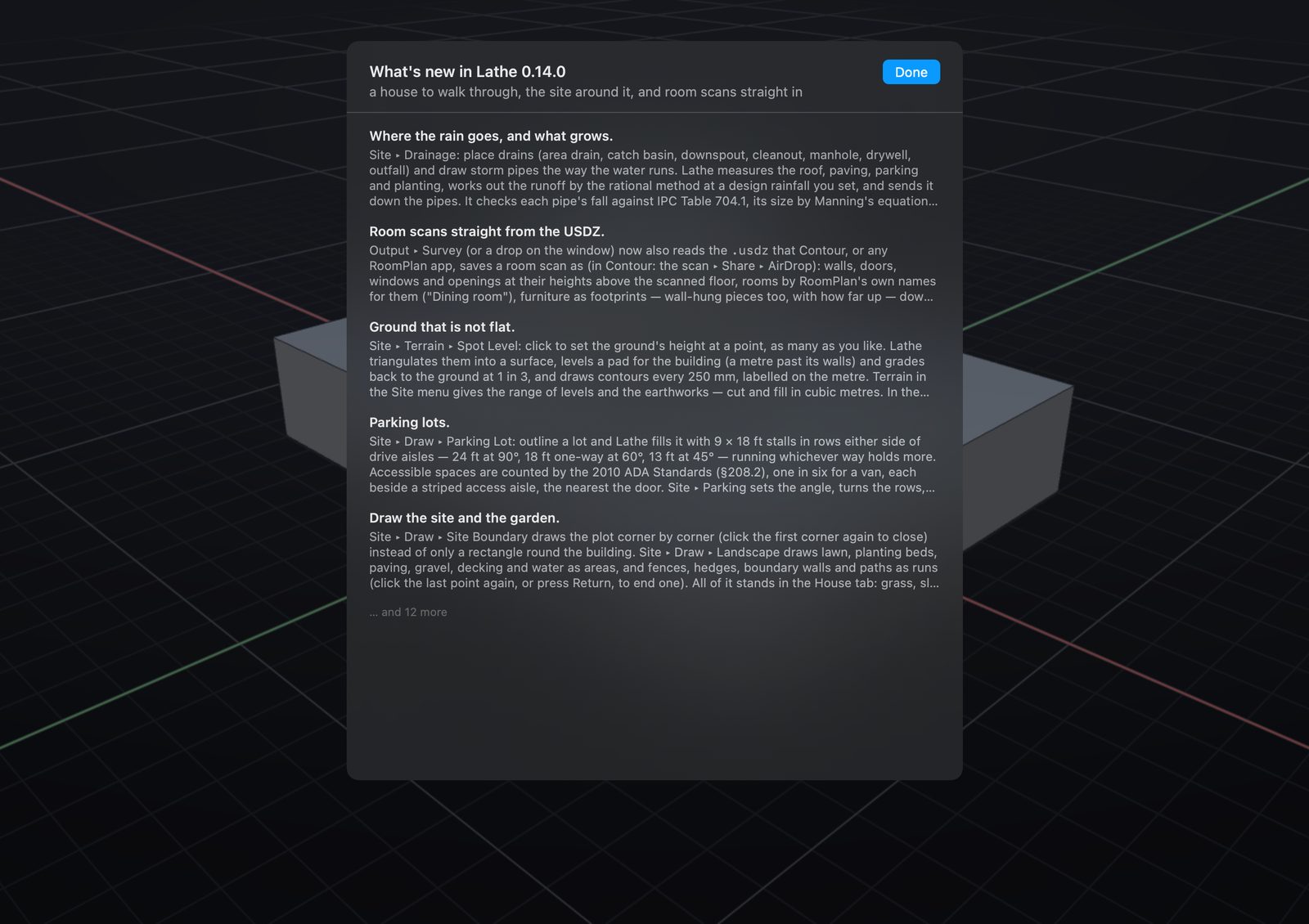
One start screen for everything, a command palette on ⌘K, settings on ⌘-comma, and the release notes in the app.
Free. No account. macOS 26 or later, Apple silicon. Back to Lathe